
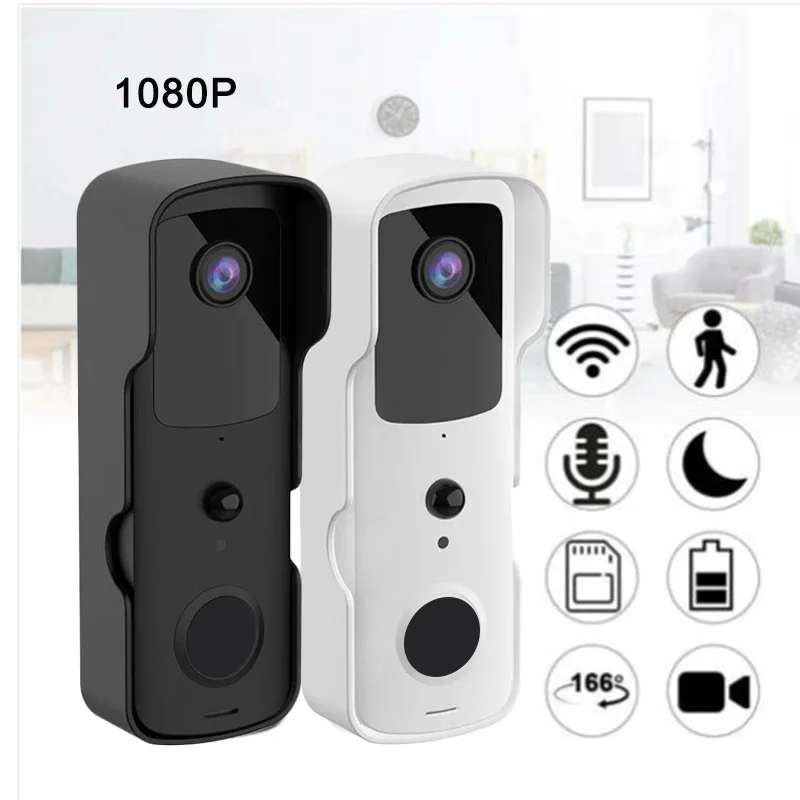
Description
Please note: This product does not come with a battery
Specifications
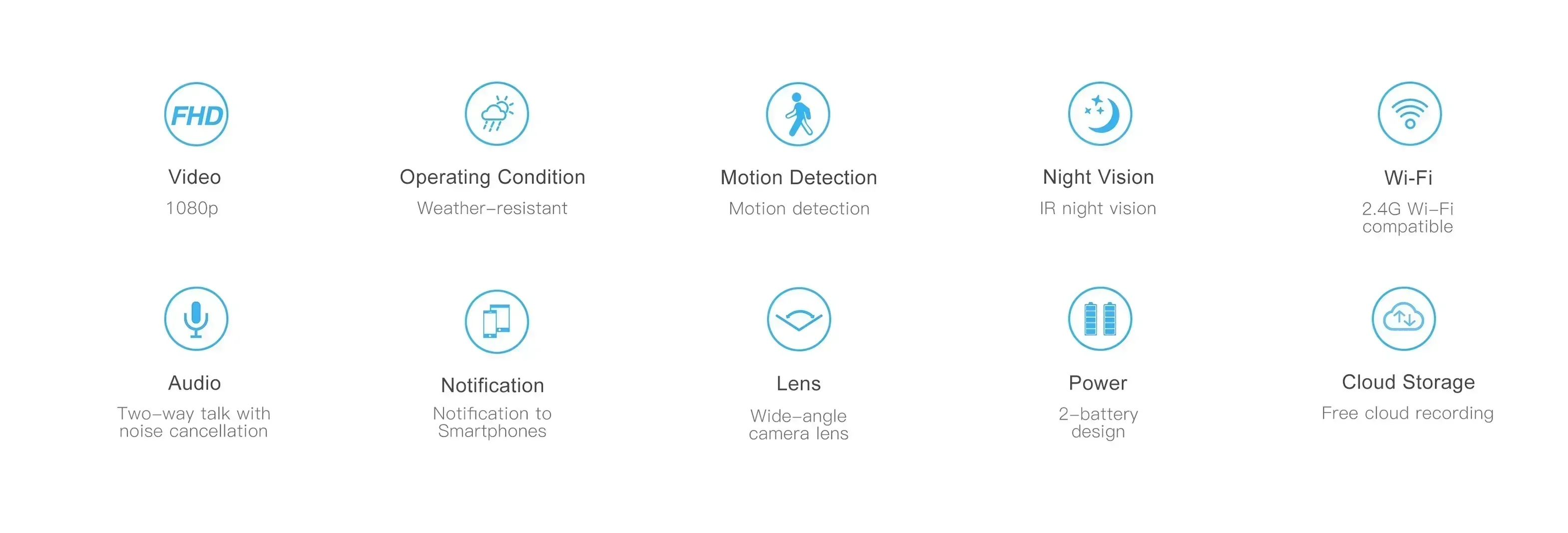
CCD: 1/2.7-inch 1080p scan CMOS sensor
Lens/Field of View: 2.6 mm @ F2.0 / 155°
Video encoding: 1080P/15 fps + 720P/15 fps + VGA/30 fps + QVGA/30 fps + 1080P@1 fps JPEG snapshot
Input: 1-channel built-in – 48 dB microphone
Output: Built-in speaker (8 Ω, 1 W)
Wireless network: 802.11b/g/n
Storage: The TF card supports up to 64GB
Power: Two-cell 18650 battery power supply, international standard
Power consumption: Standby current 200 µA
Material: ABS
Product size: 140 mm x 45.5 mm x 27.5 mm
Product weight: 110gNo battery
Power supply voltage: 3.7 (V)
Ring: Ding dong
Scope of Application: Smart Doorbell for the Home
Type: Video doorbell
Remote wake-up: Supported
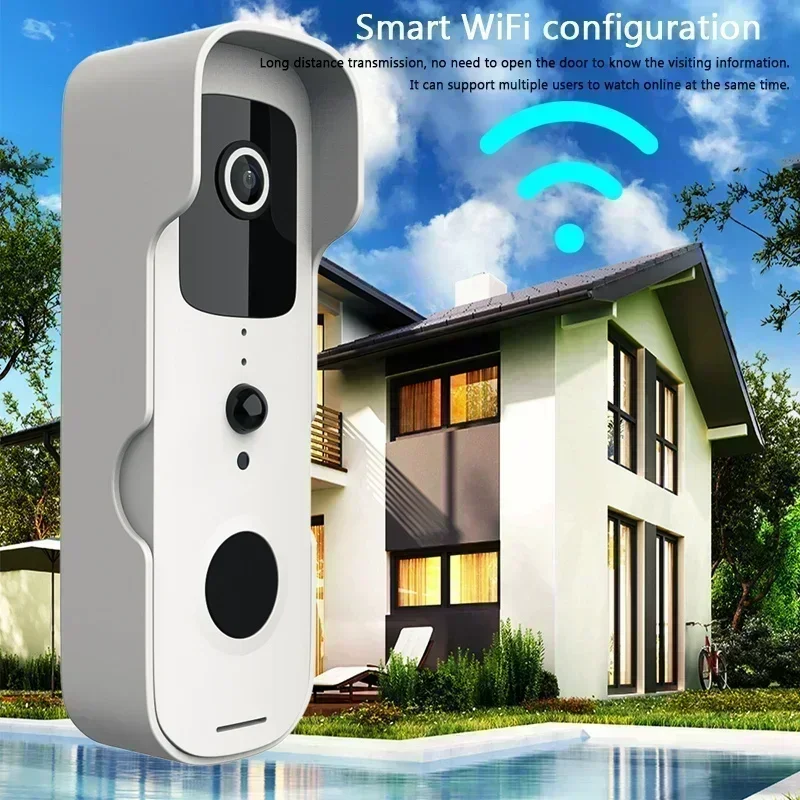
Wi-Fi: Supported
Resolution: 1080p
Main functions:
Simple installation without wiring
Watch remotely anytime, anywhere
Remote Chat App
Two-way voice intercom
Mega HD
Infrared night vision
Remote capture
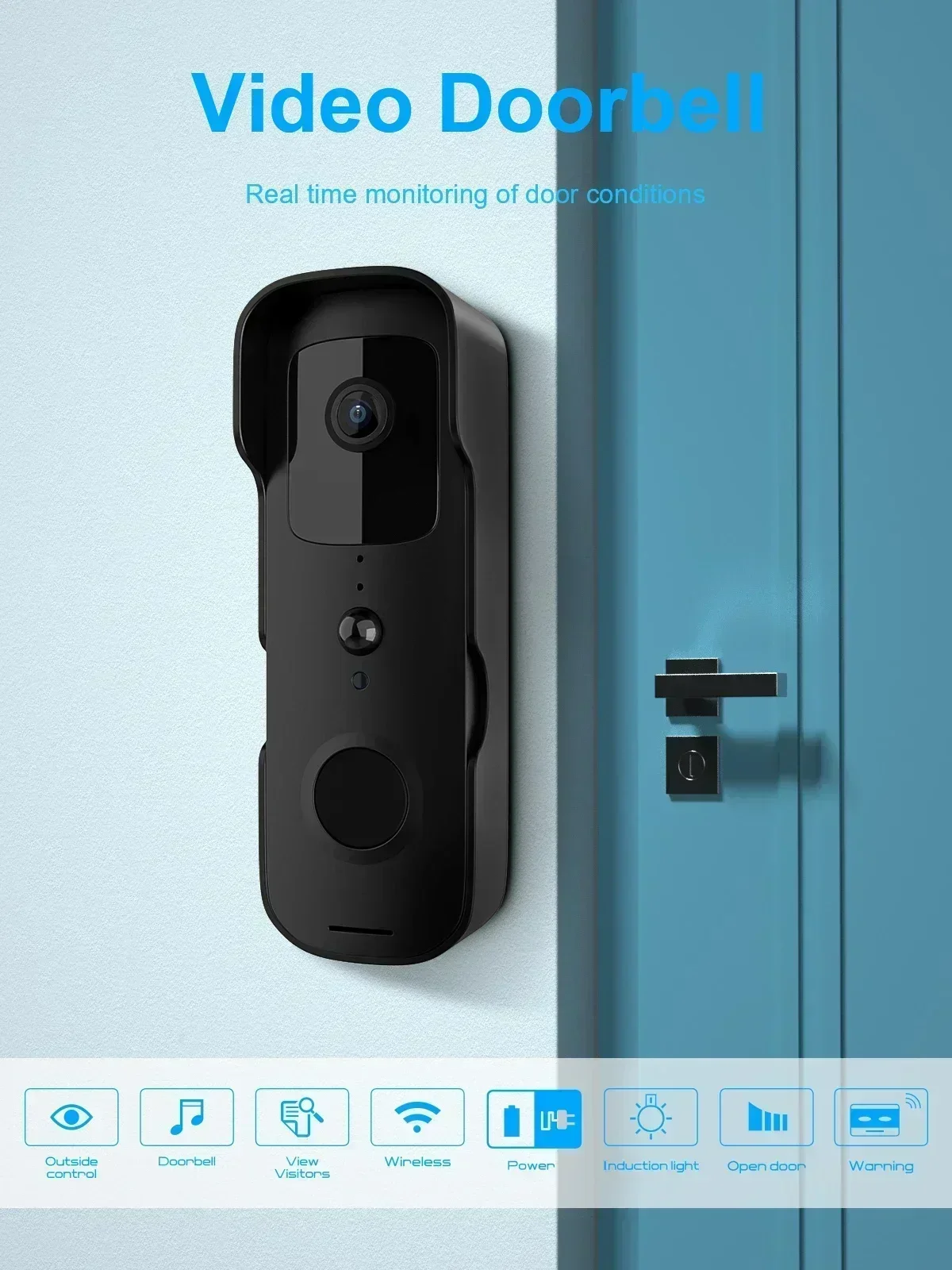
Video Doorbell
Real-time monitoring of door conditions.
Wi-Fi: 2.4 GHz

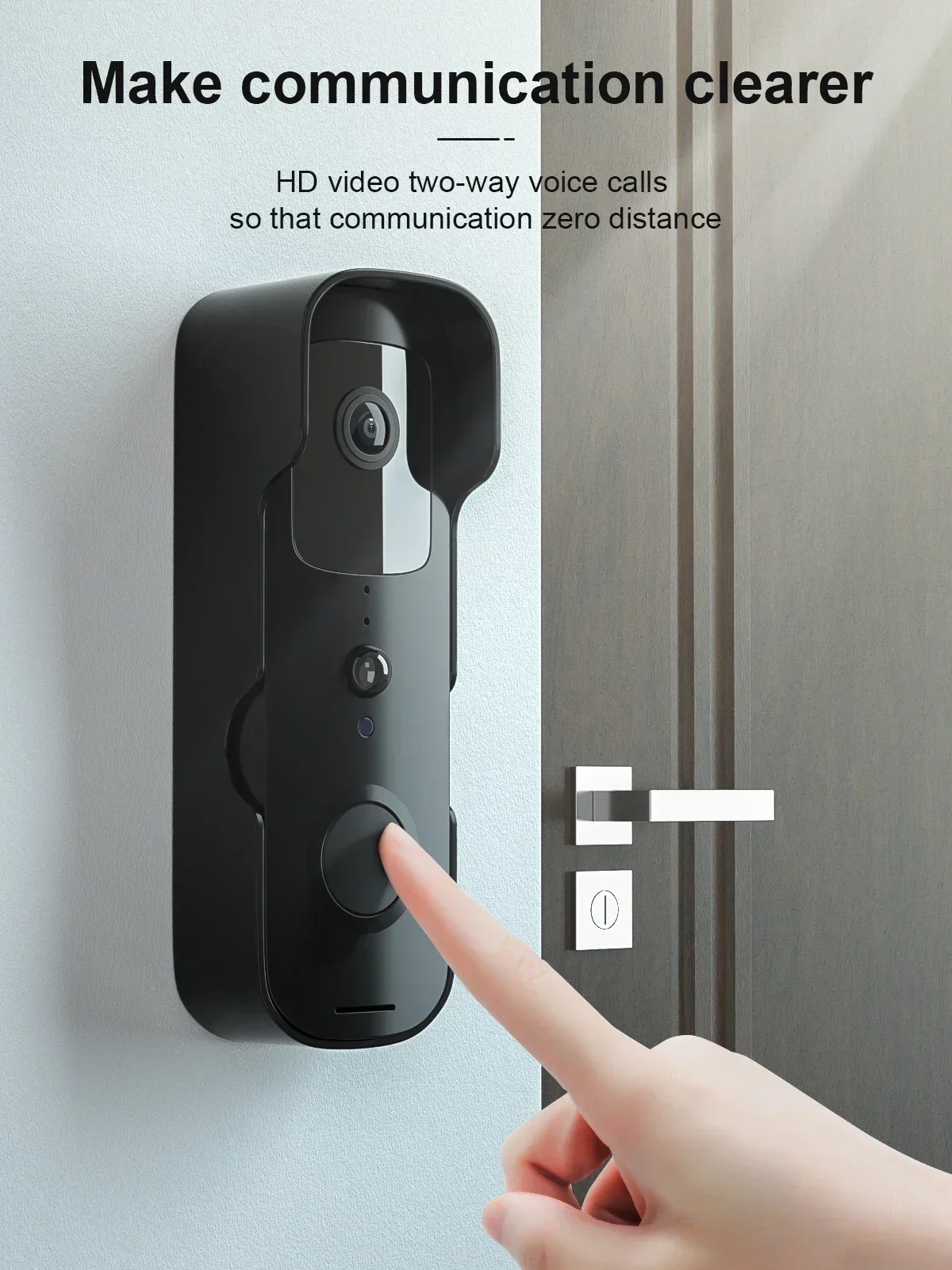
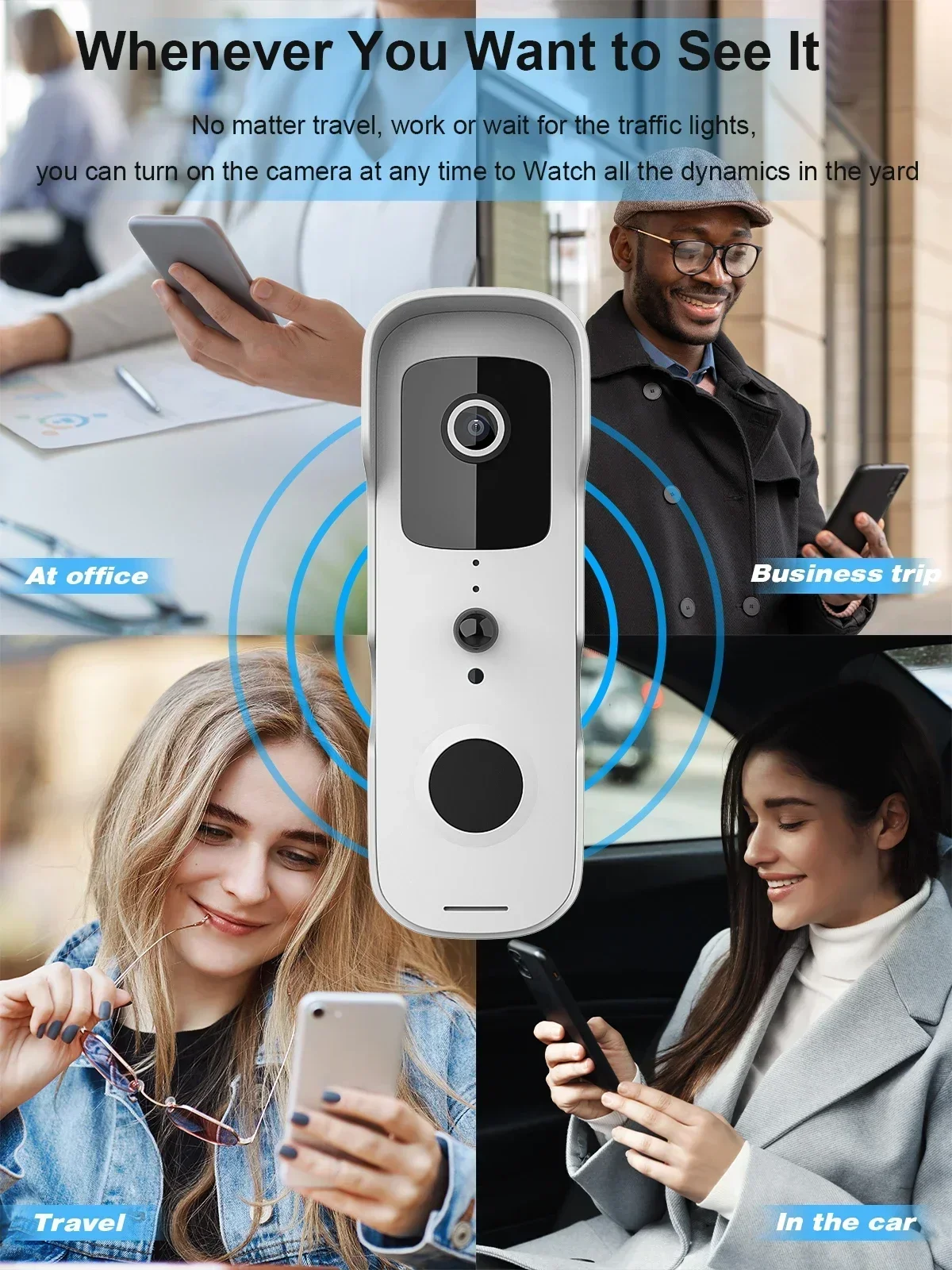
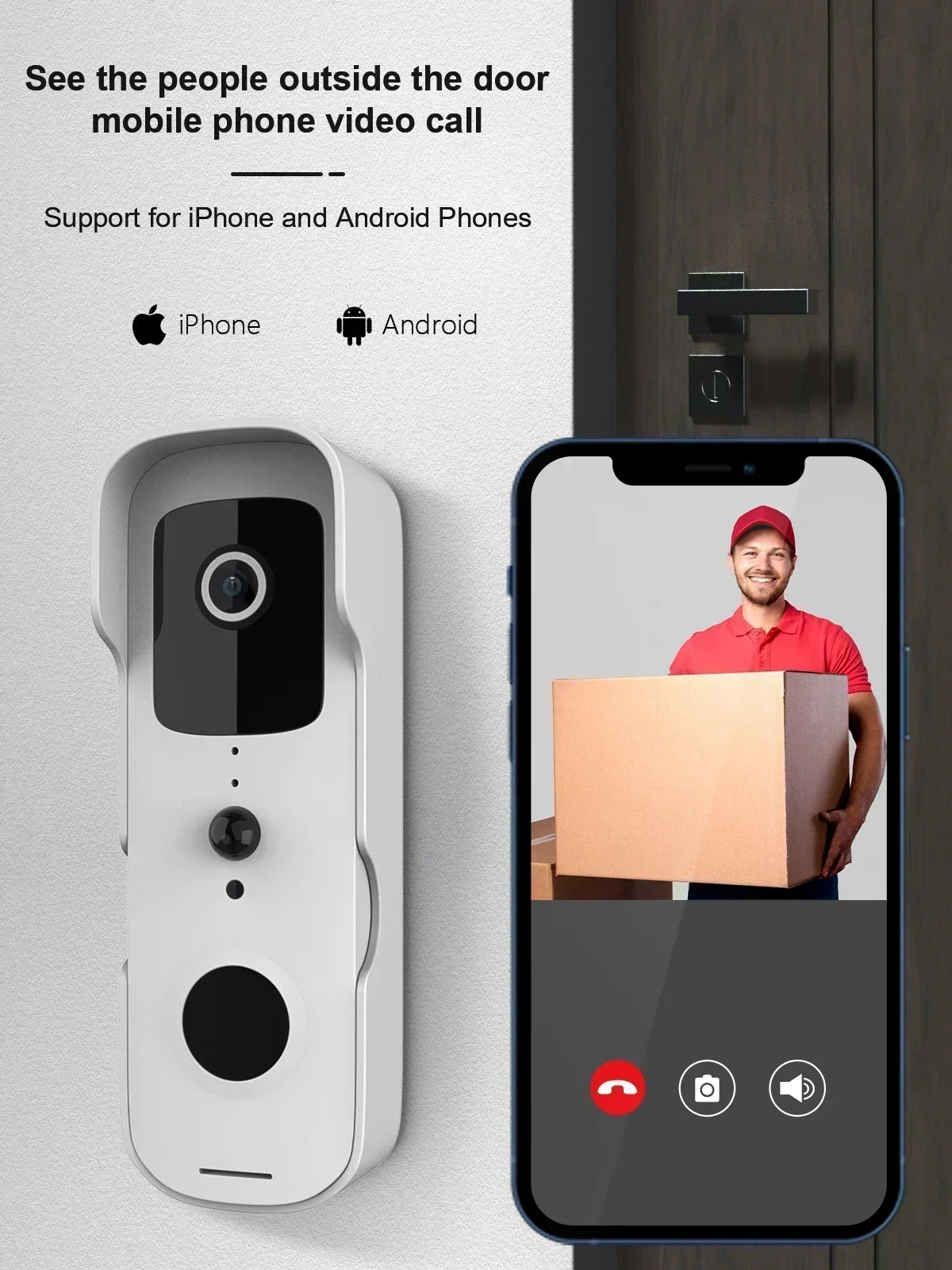
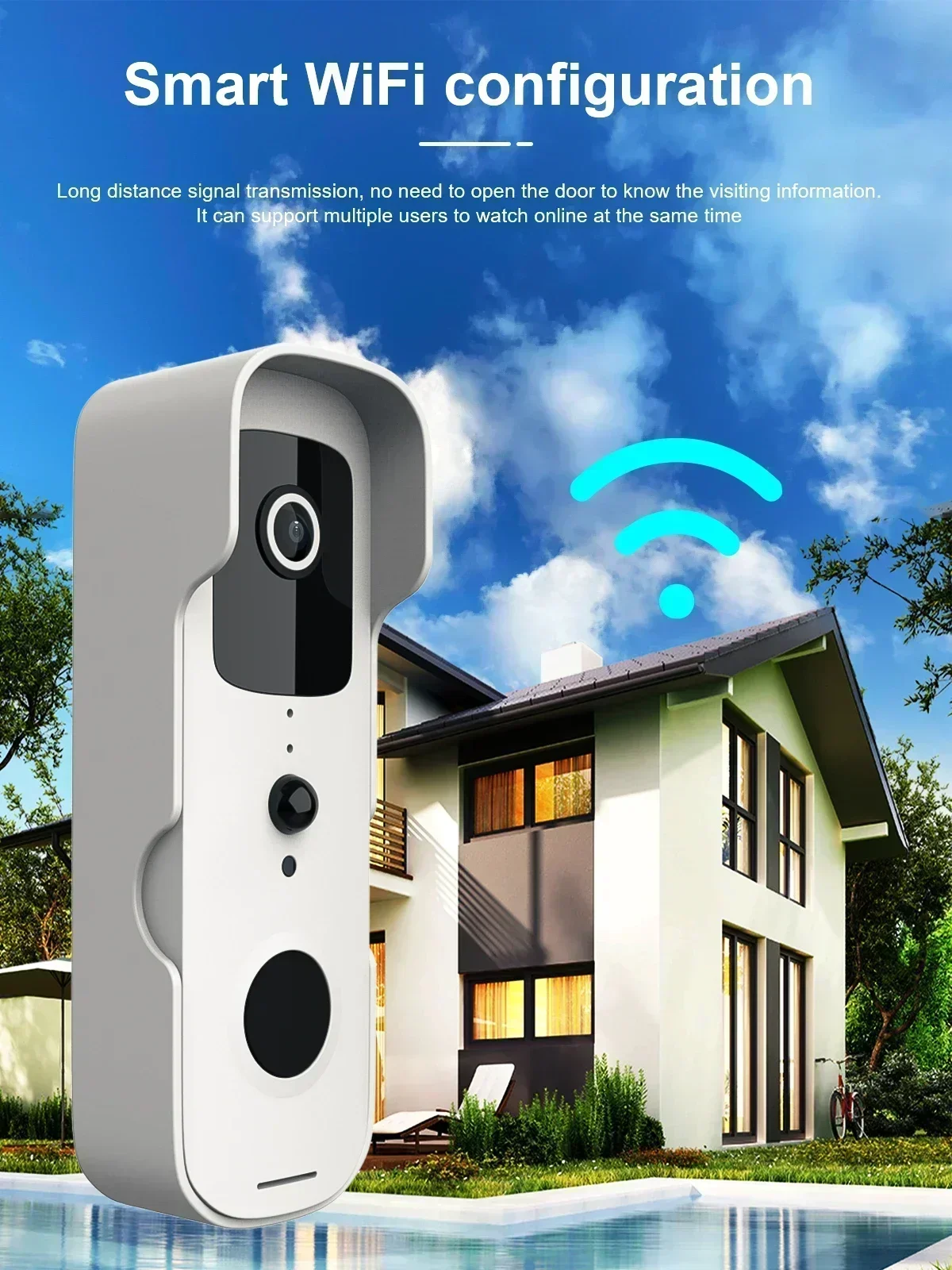
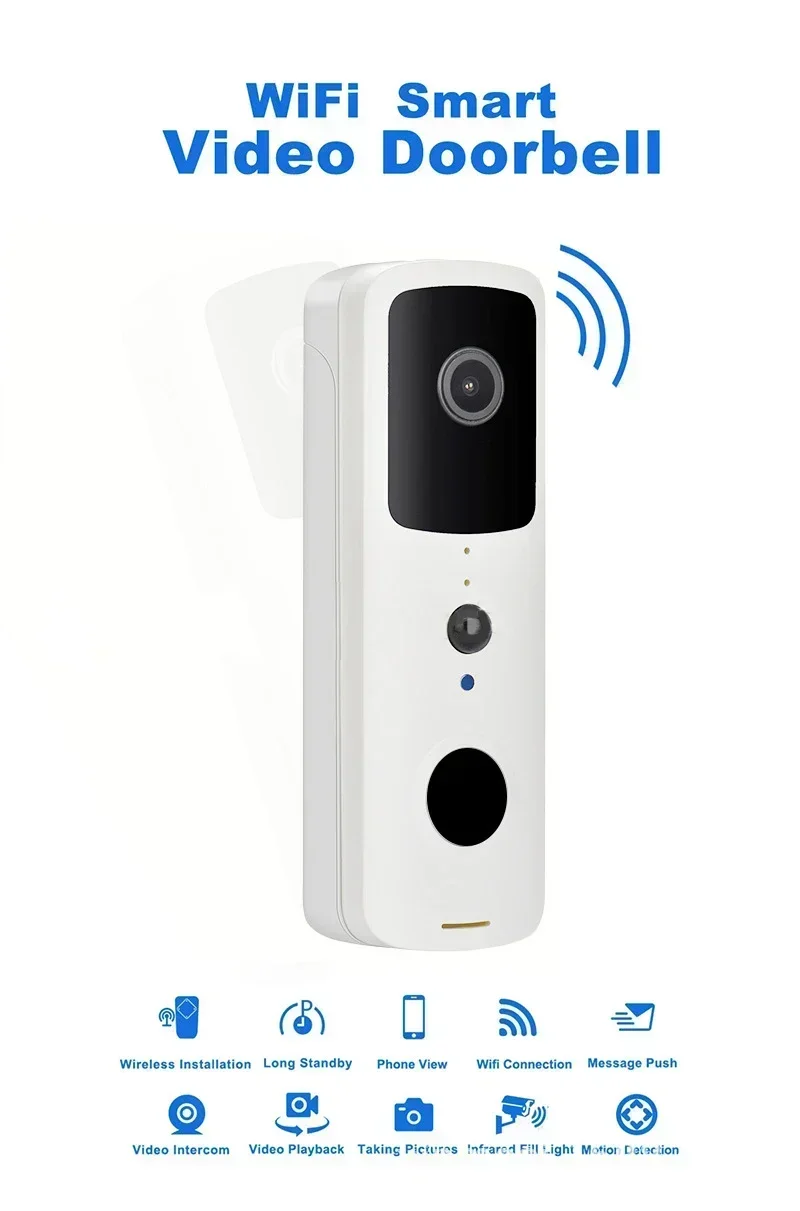
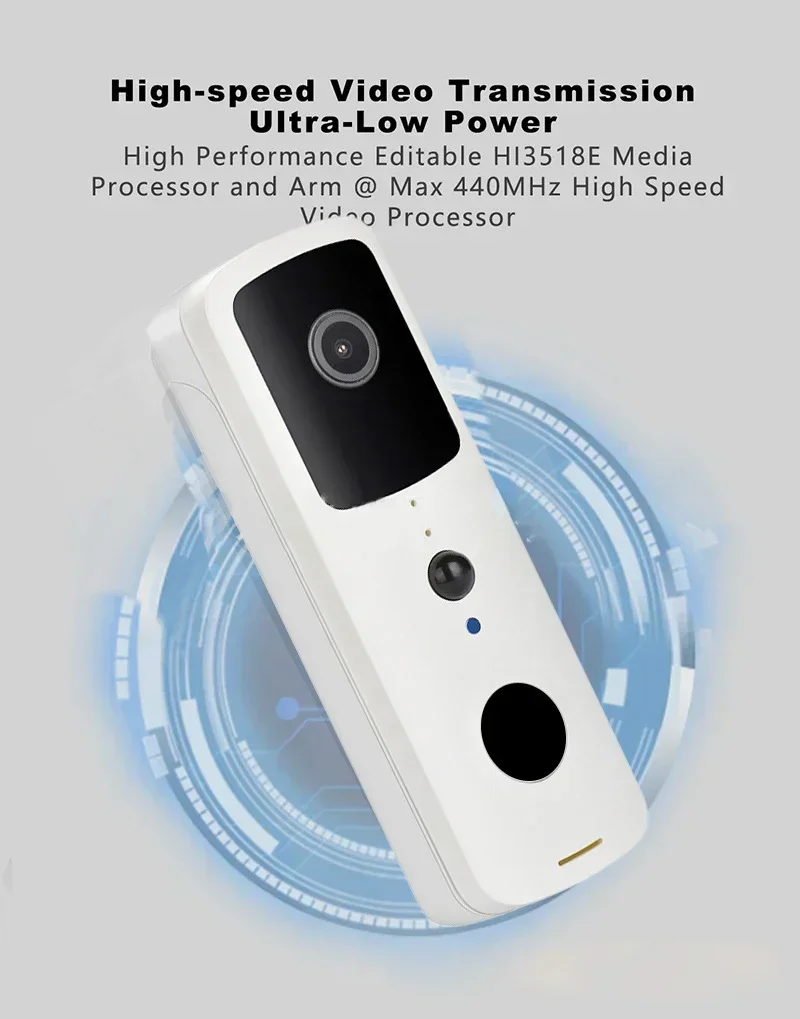
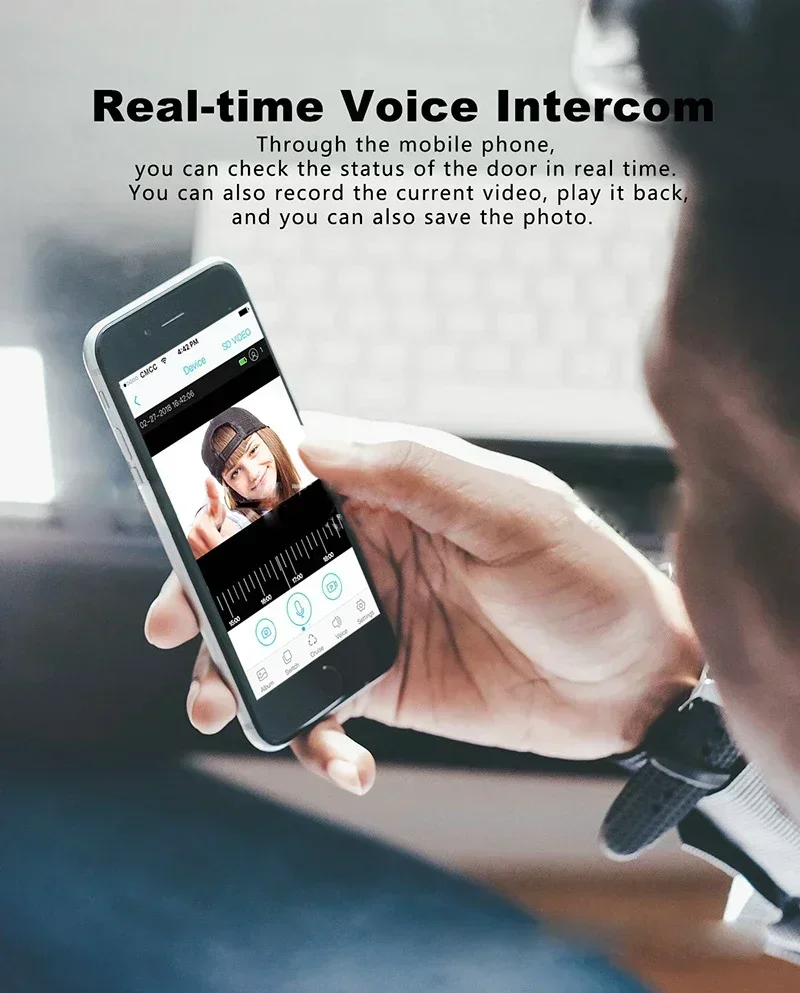
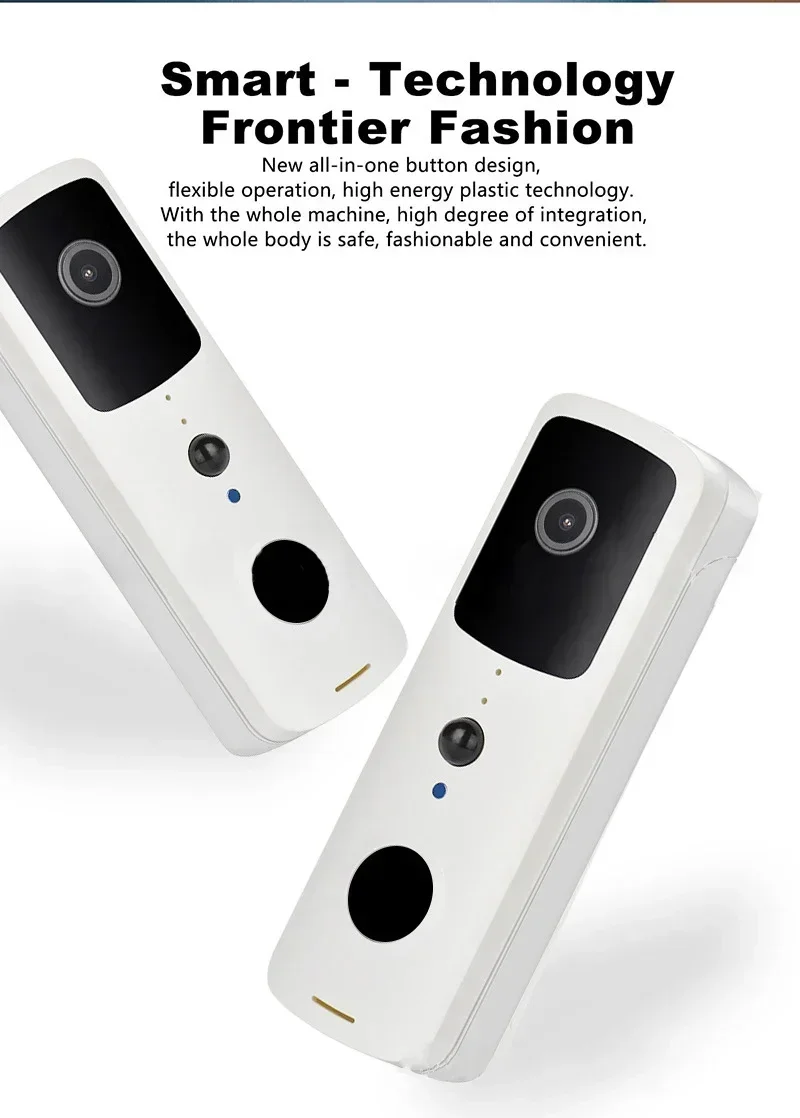
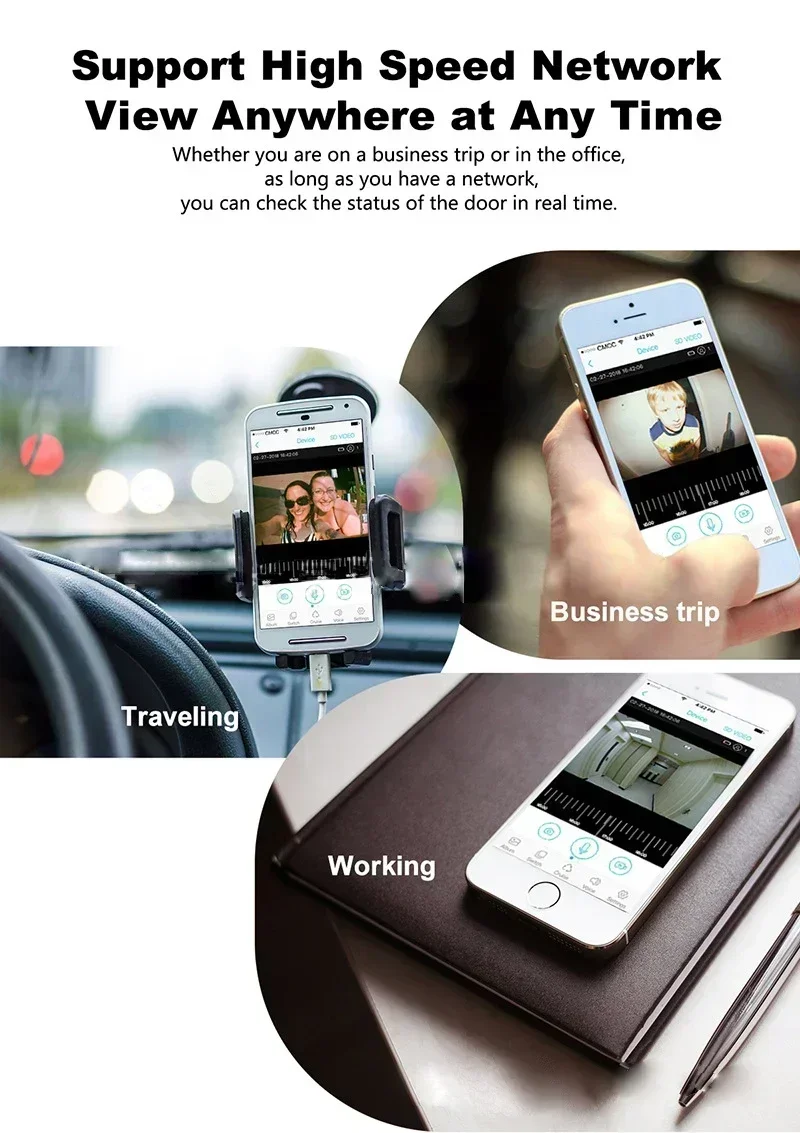
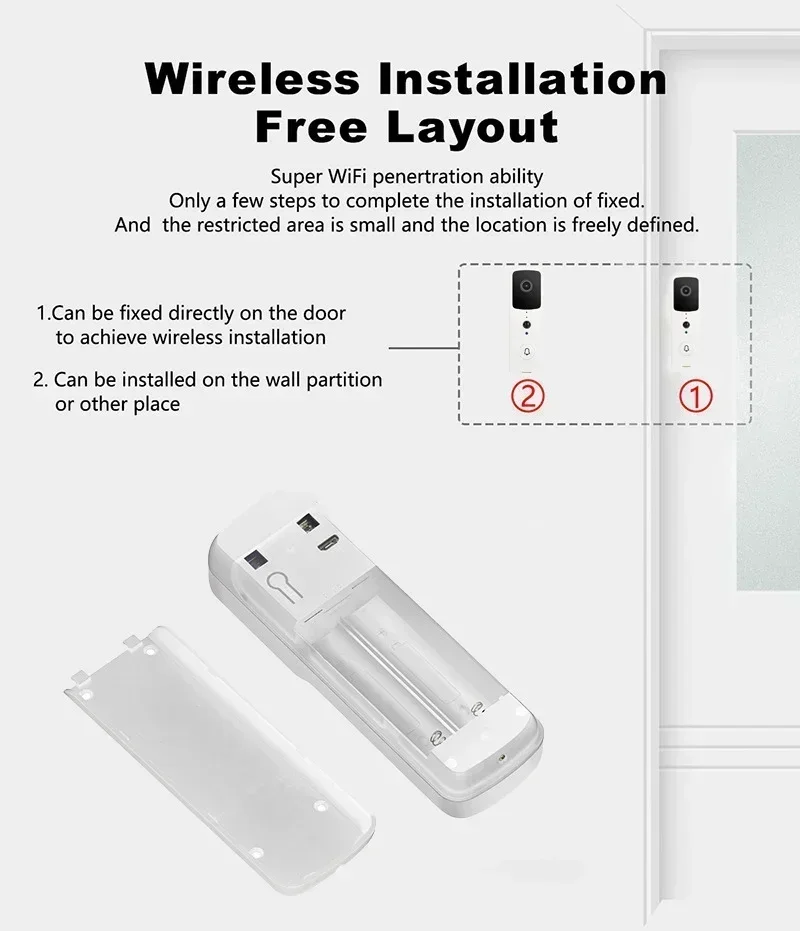
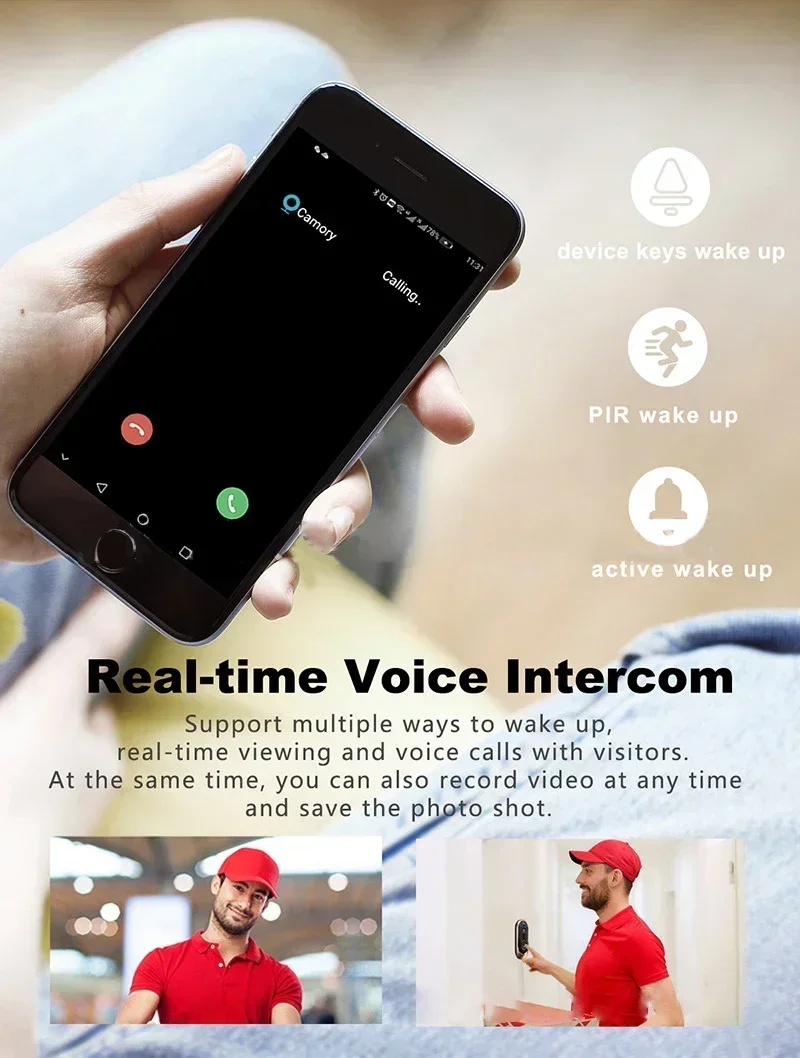
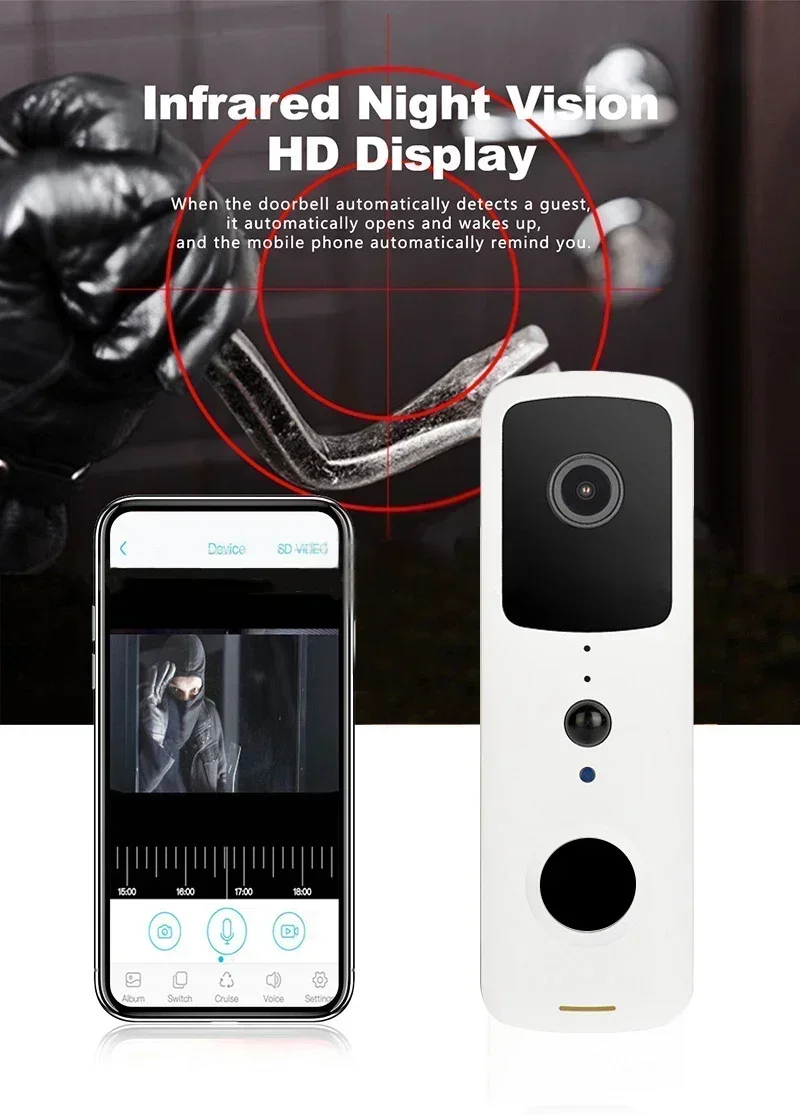
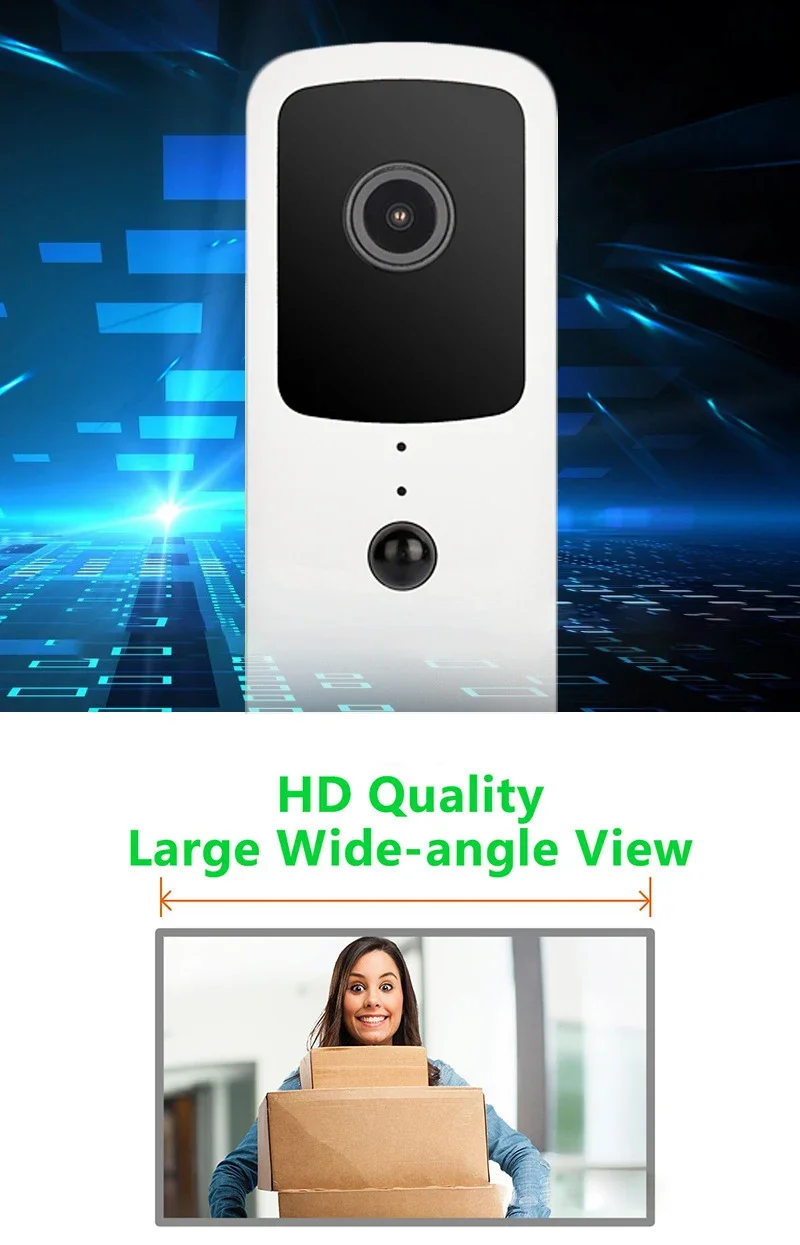
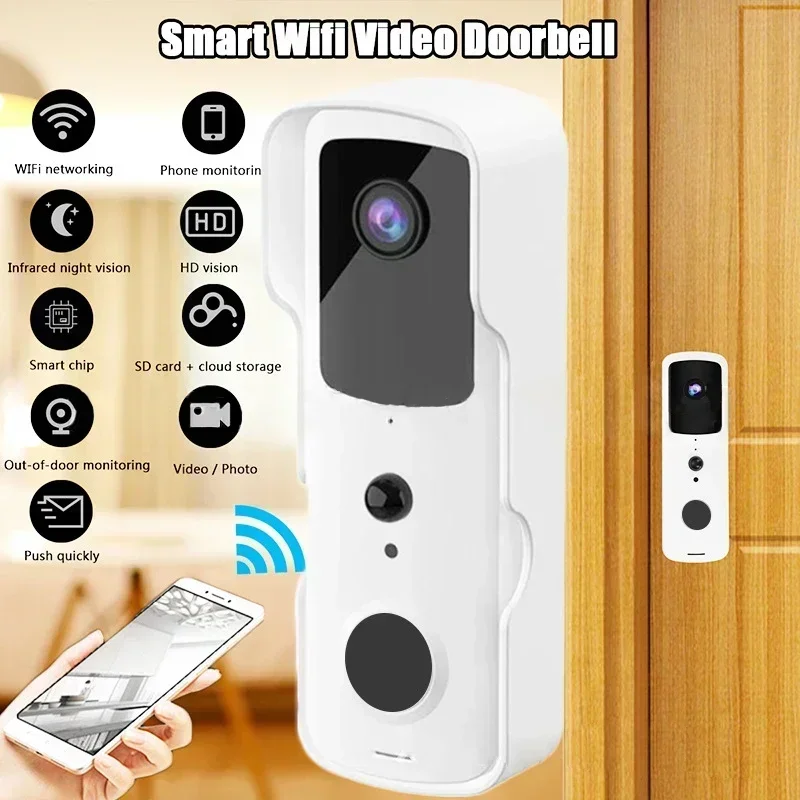
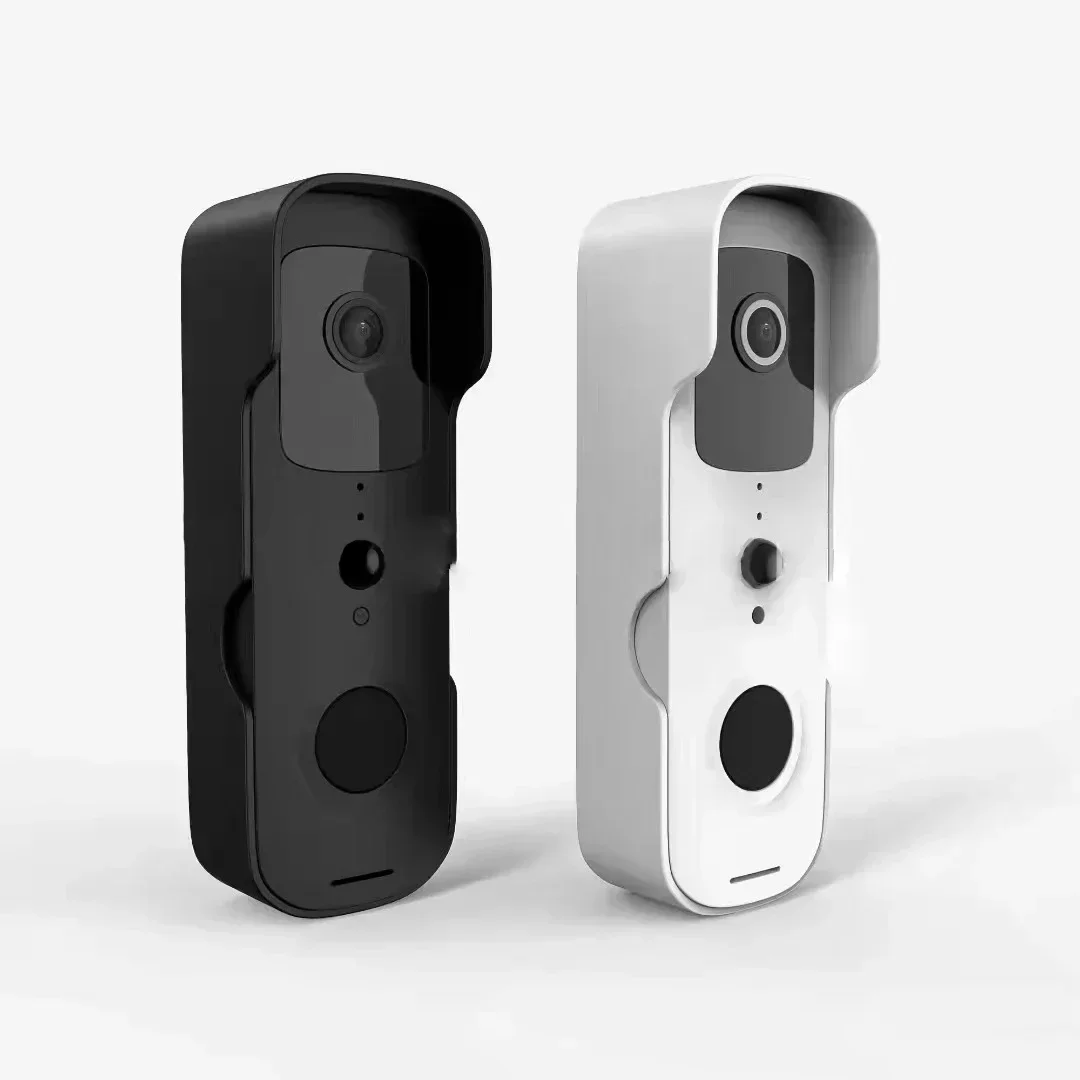
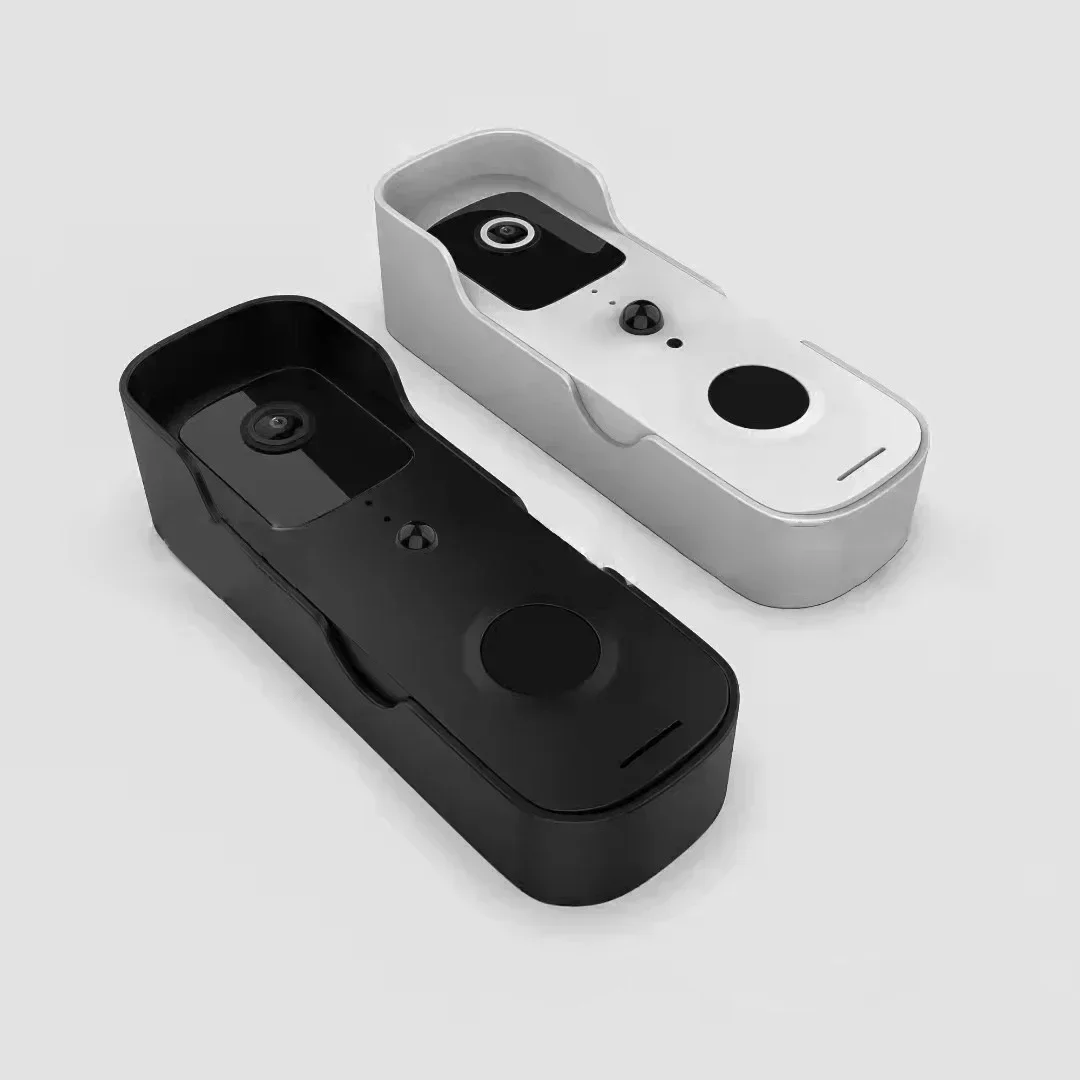
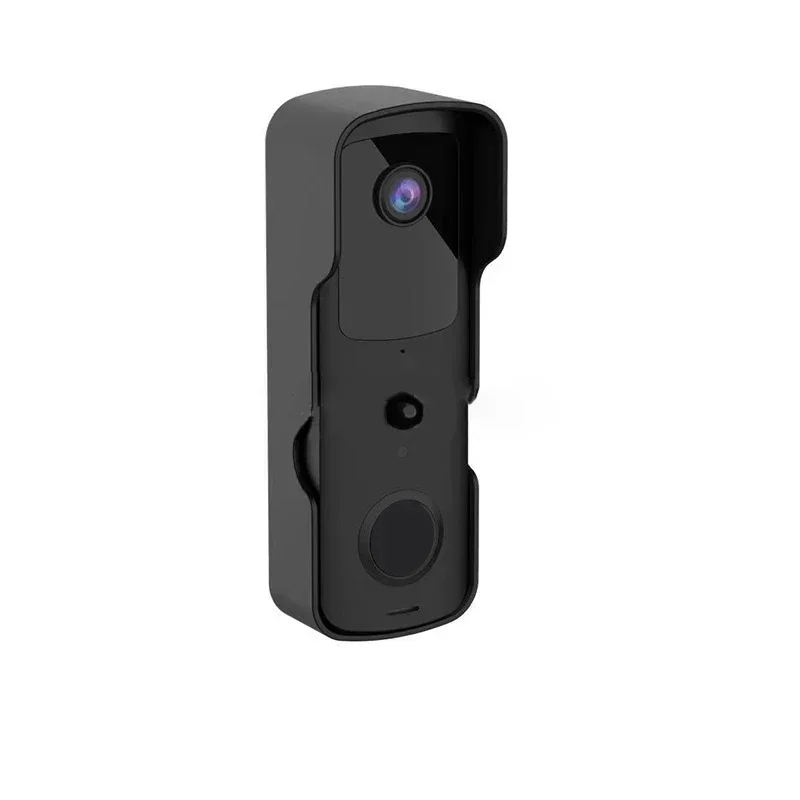
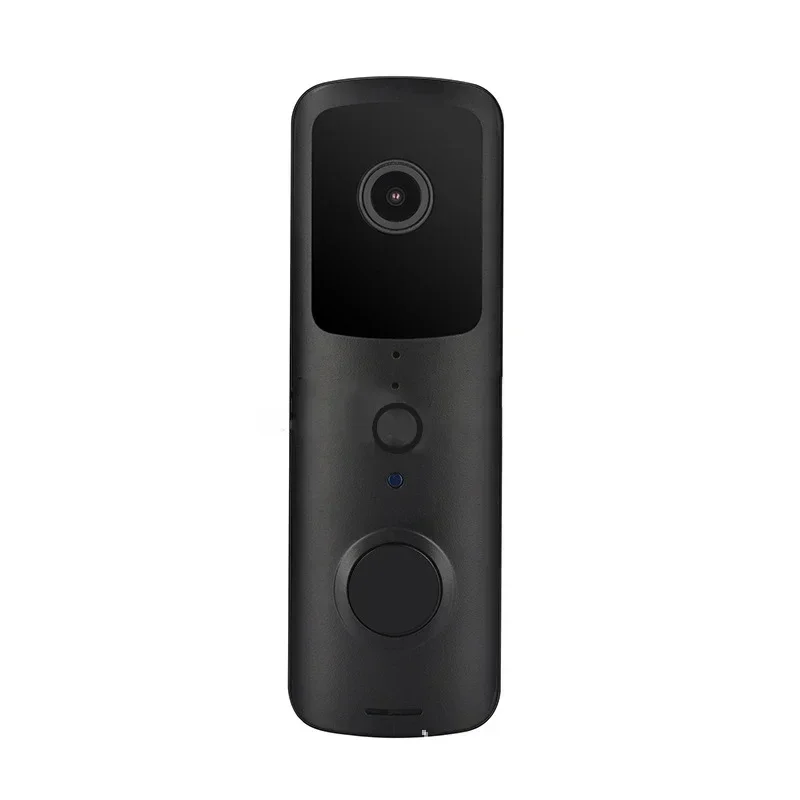
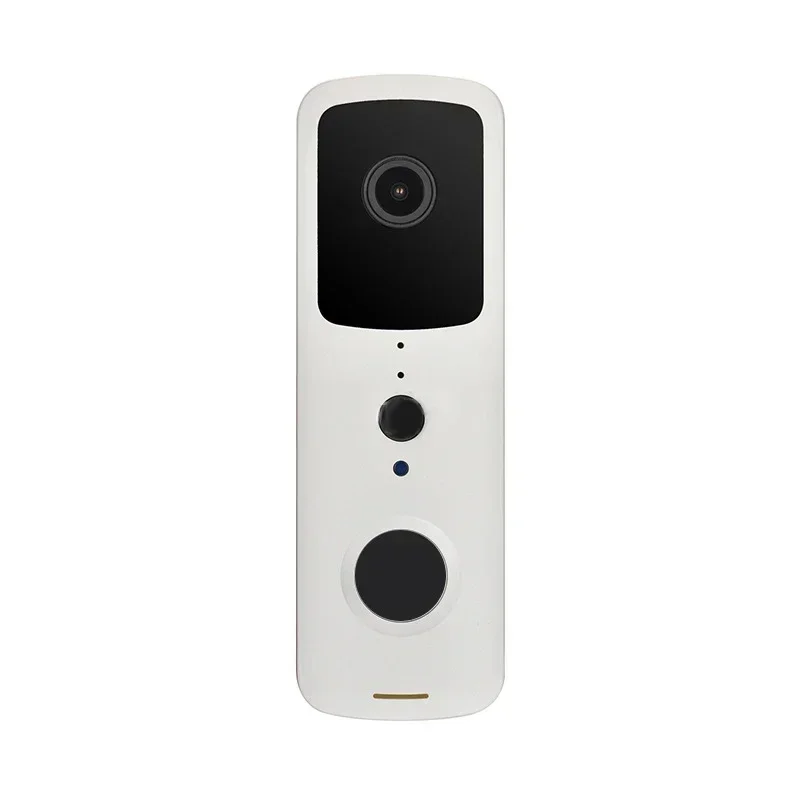
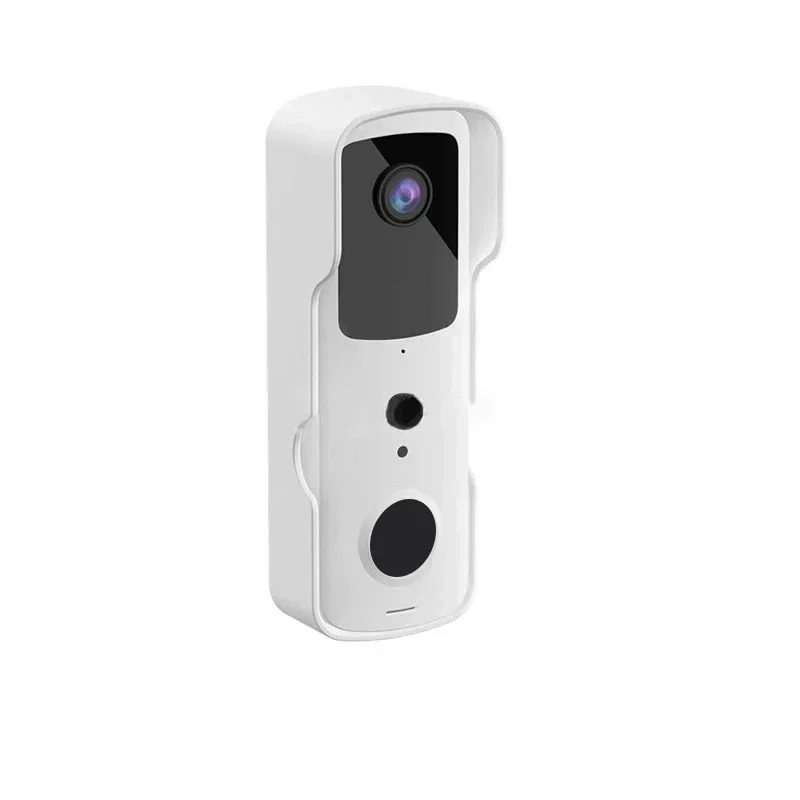
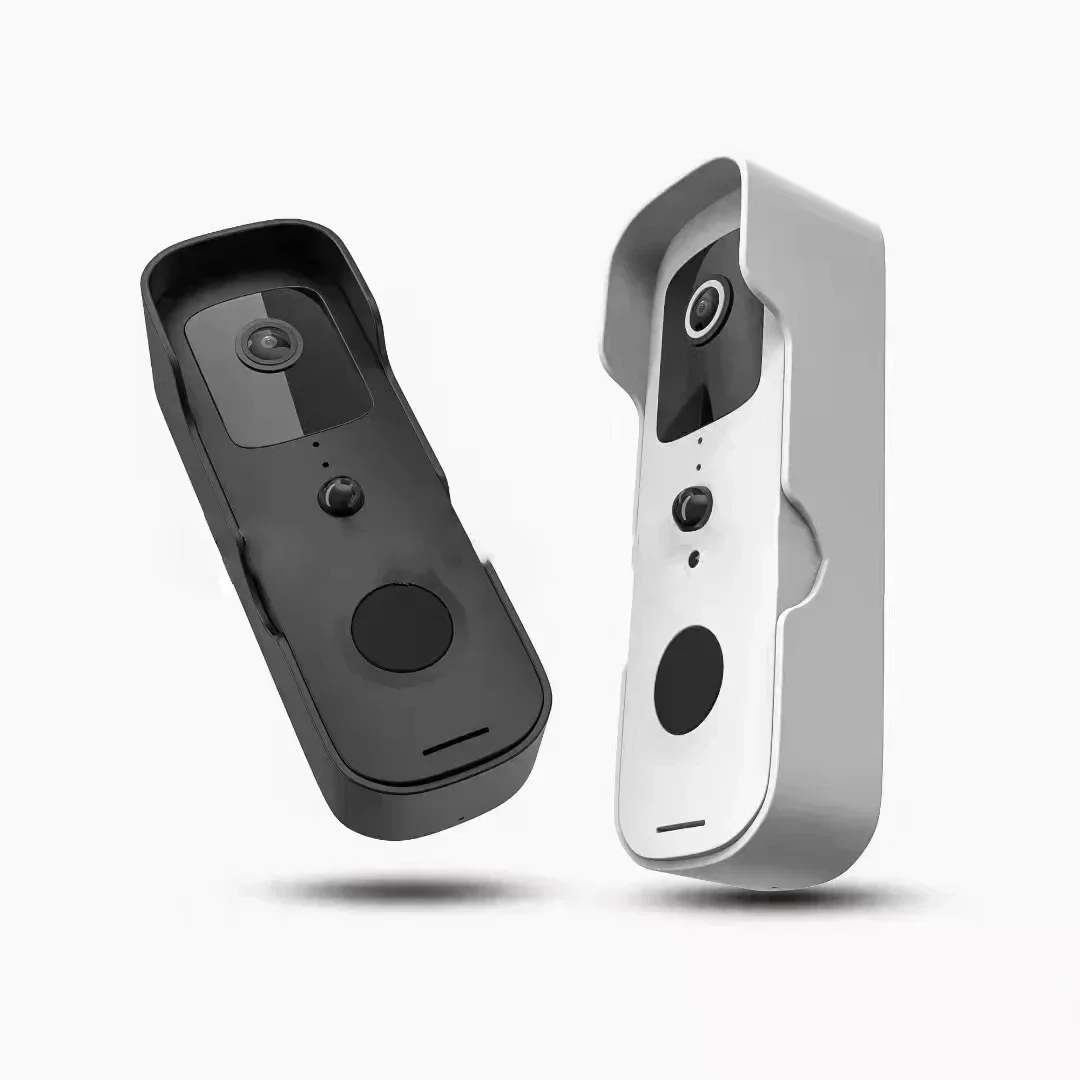
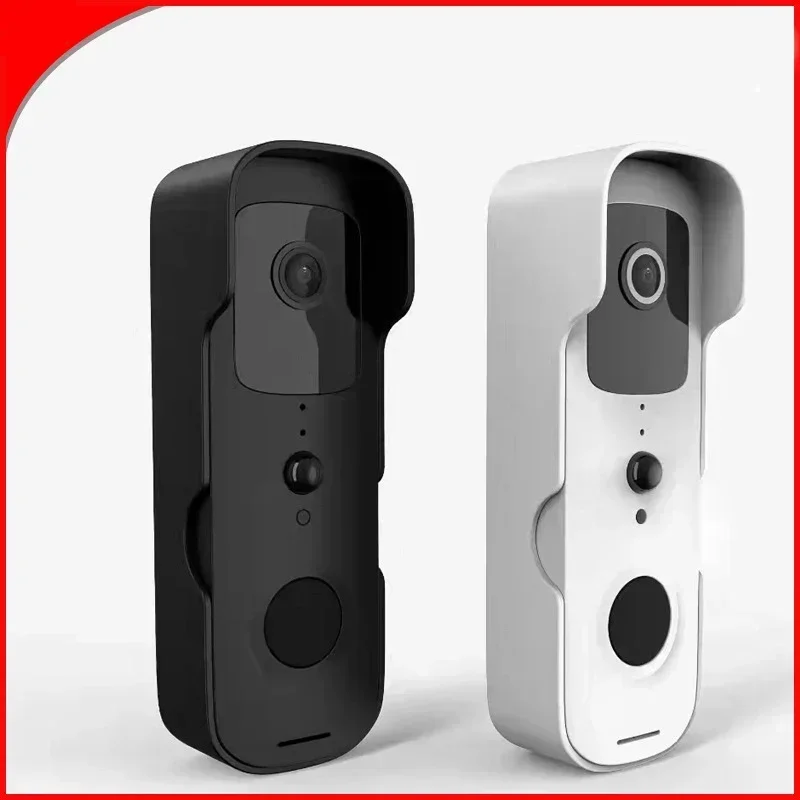
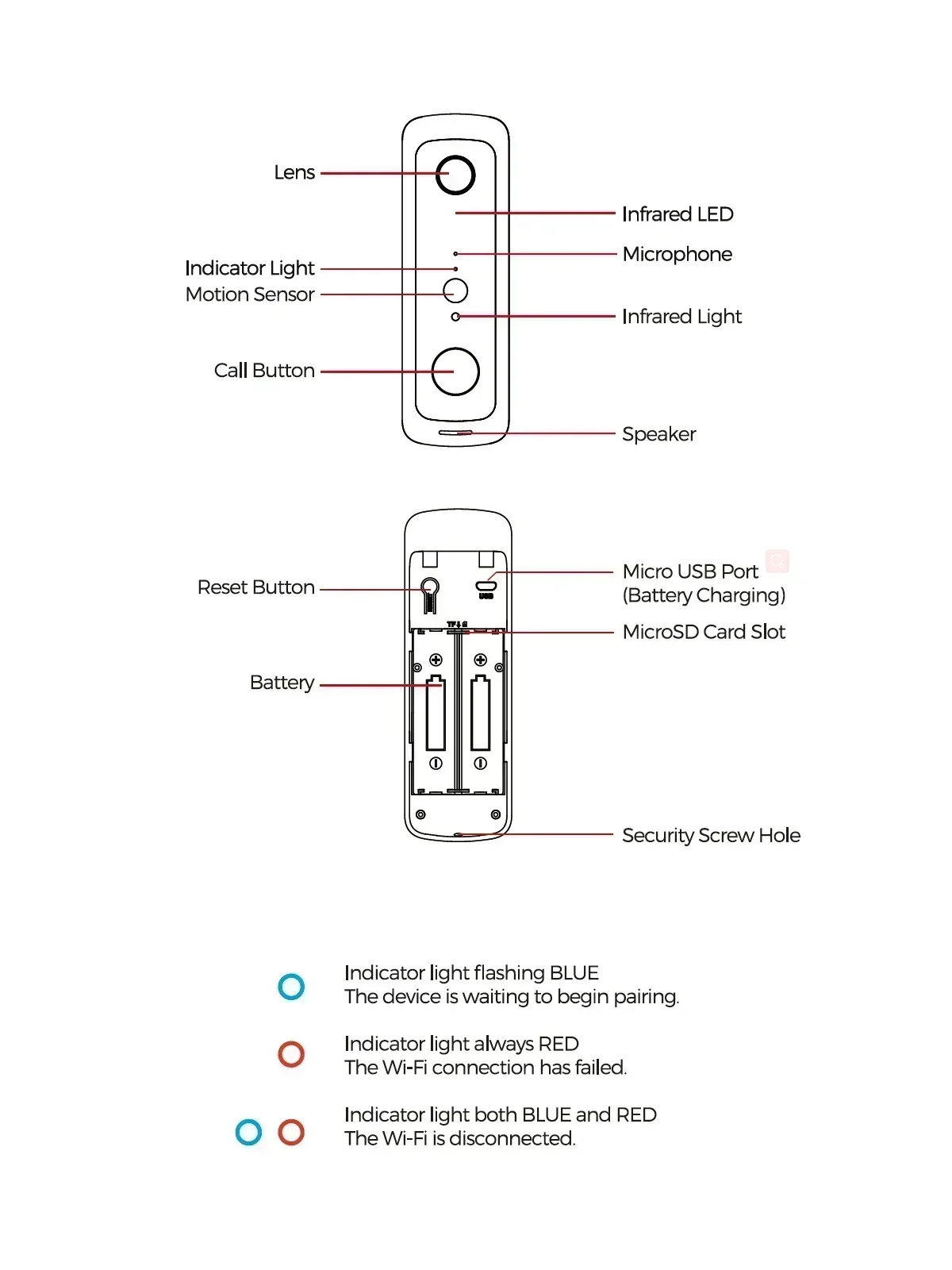
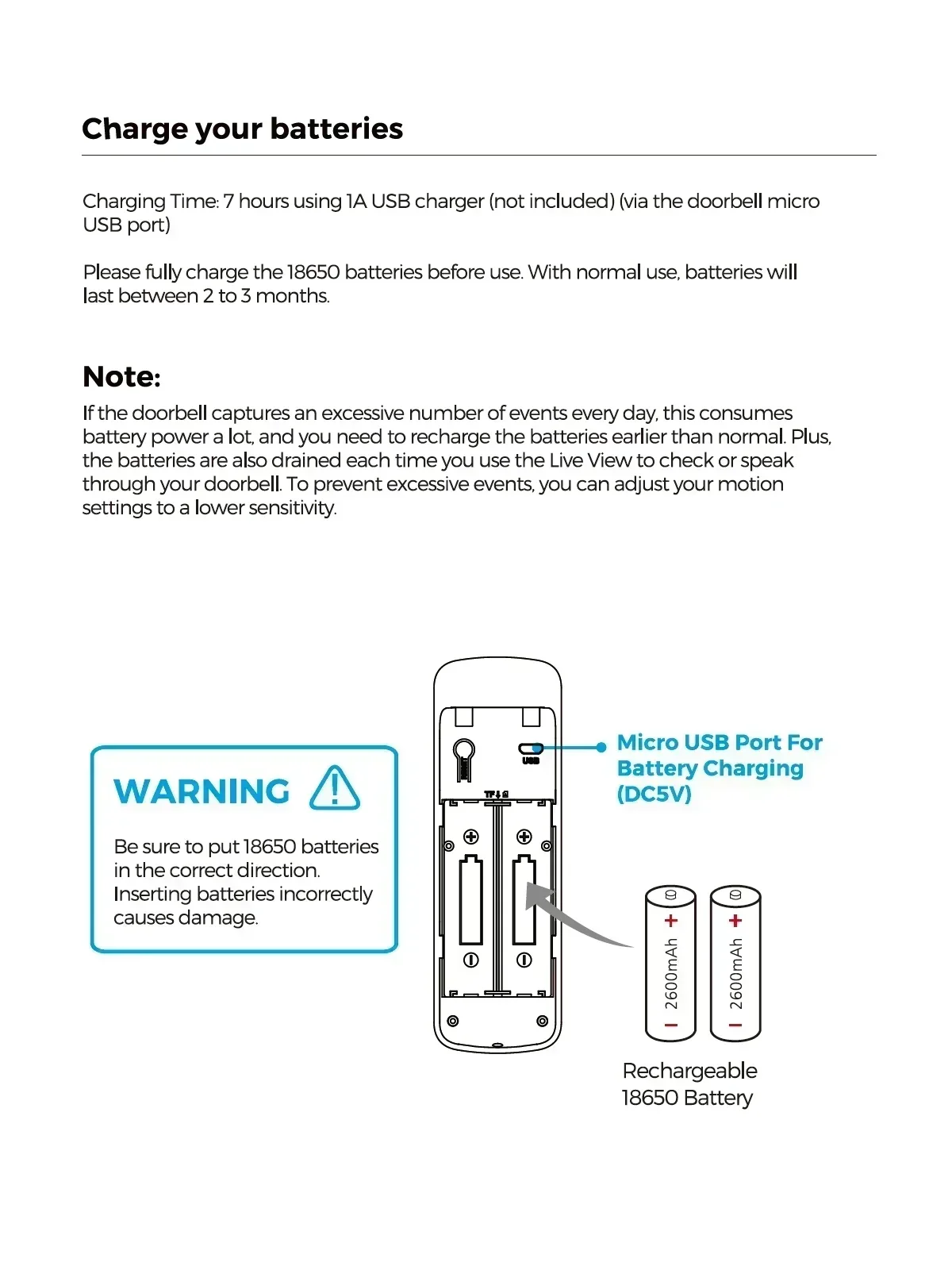
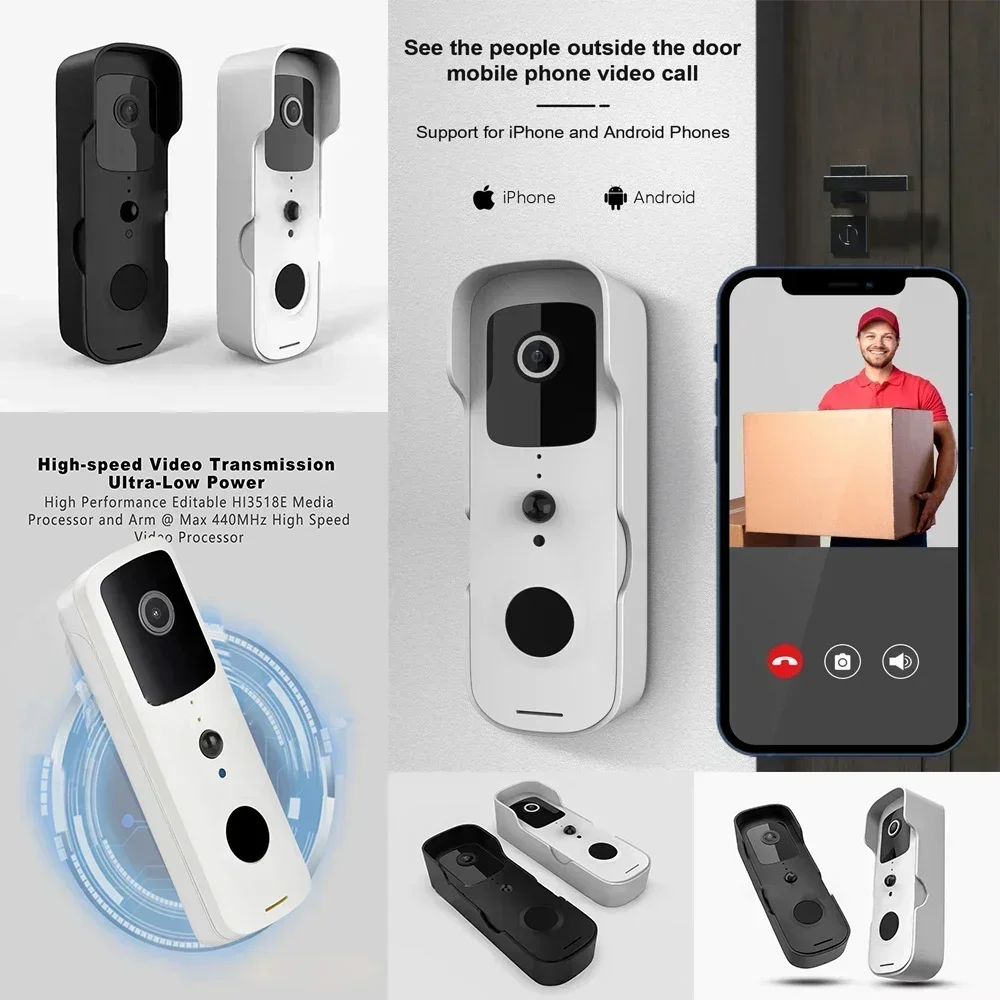
HD video and two-way voice calls, making communication feel as if you're right there.
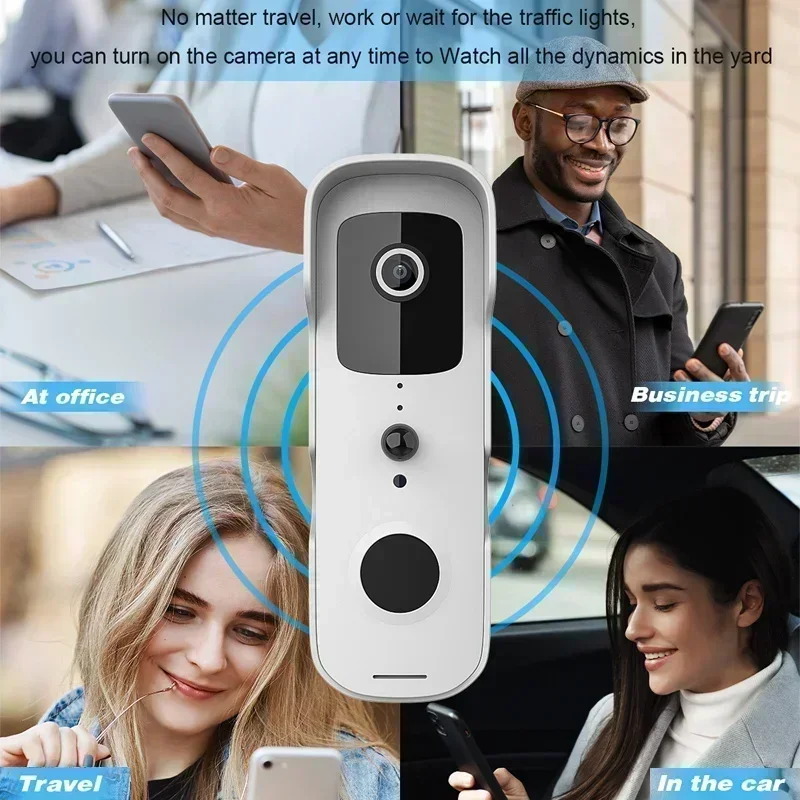
Whether you're traveling, working, or waiting at a traffic light, you can turn on the camera at any time to watch everything happening in the yard.
Contactless delivery for express and takeout orders
Long-distance signal transmission—no need to open the door to see who's visiting. It supports multiple users watching online at the same time.
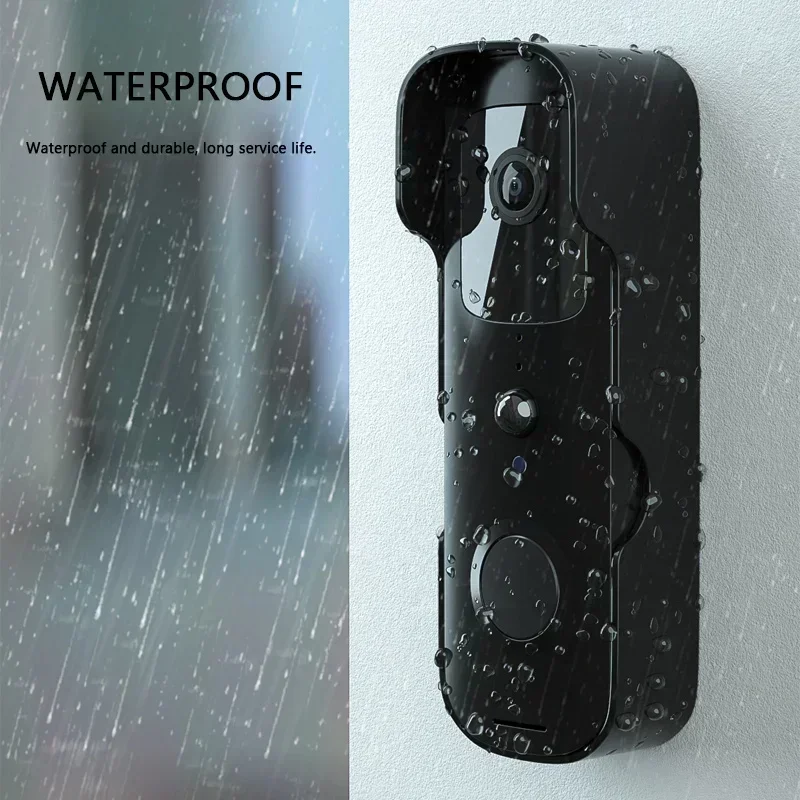
Waterproof and durable, with a long service life.
FAQ
Q: How do I reset the doorbell?
A: Press and hold the RESET button for 6 seconds.
Q: How do I share the video doorbell with my family?
A: 1. From the home page, tap the doorbell to view the live feed.
2. Tap the “settings” icon in the top-right corner.
3. Select “Share Device”
4. Tap “Add sharing” and enter the account name you want to share with. Or you can follow the in-app instructions to set up family settings.
Q: How do I adjust the sensitivity of PIR motion detection?
A: 1. From the home page, tap the doorbell to view the live feed.
2. Tap the settings icon in the right corner.
3. Select PIR.
Options for PIR Motion Sensitivity
High: Records and notifies you of every movement. Shortest battery life.
Medium: Records and notifies you about motion less frequently. Standard battery life.
Low: Records and notifies you of motion even less frequently. Maximum battery life.
Q: How many users can watch the video at the same time?
A: Up to 4 users can view the video feed. Both iOS and Android are supported.
Q: Is 5 GHz Wi-Fi supported?
A: No, only 2.4 GHz Wi-Fi is supported.
Q: I'm having trouble with the signal on my doorbell.
A: Your doorbell may be too far from your wireless router, or there may be obstacles in between that are weakening the signal. You might try moving your router to a different location or getting a signal extender or repeater for your wireless router.
Q: Is this device battery-powered only?
A: Yes, it runs on batteries only. No wires needed.

 Spanish
  English
  French
Reviews
There are no reviews yet.