Solutions Cloud & Télécom dans plus de 60 pays — Accéder à mon compte →

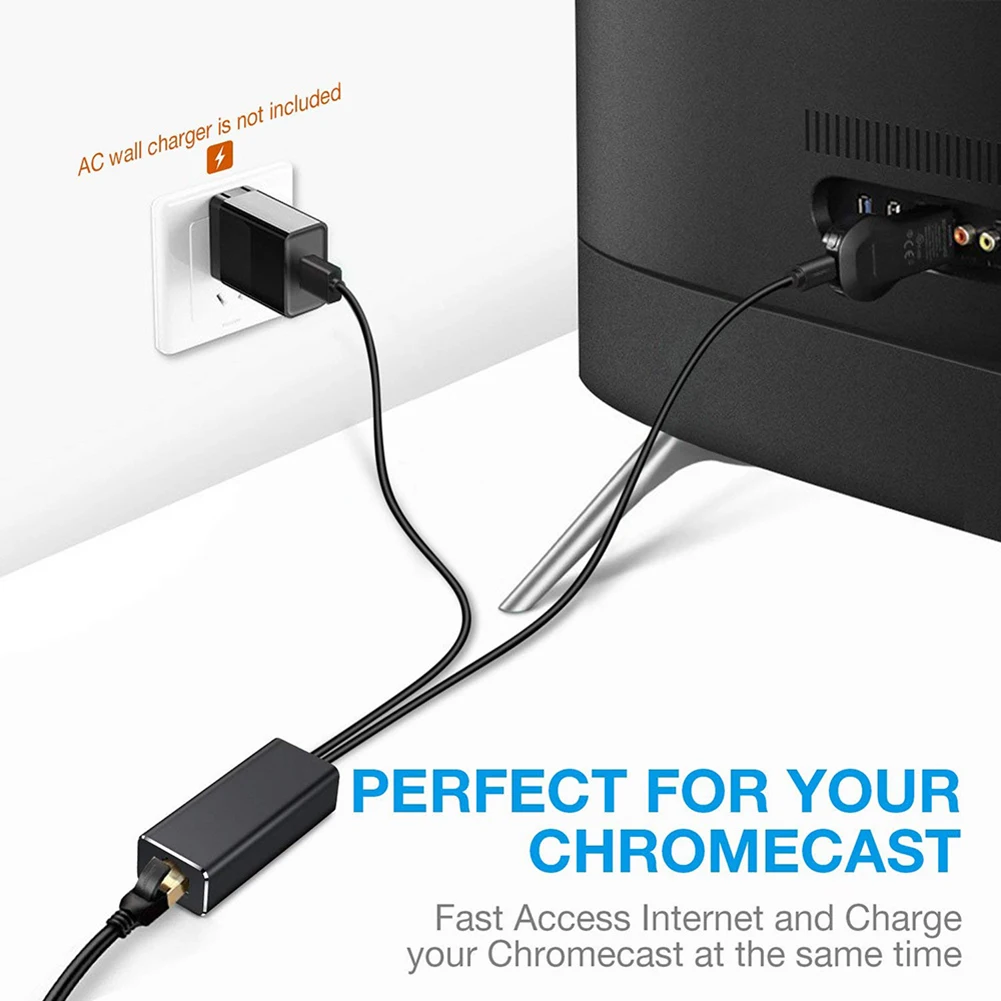
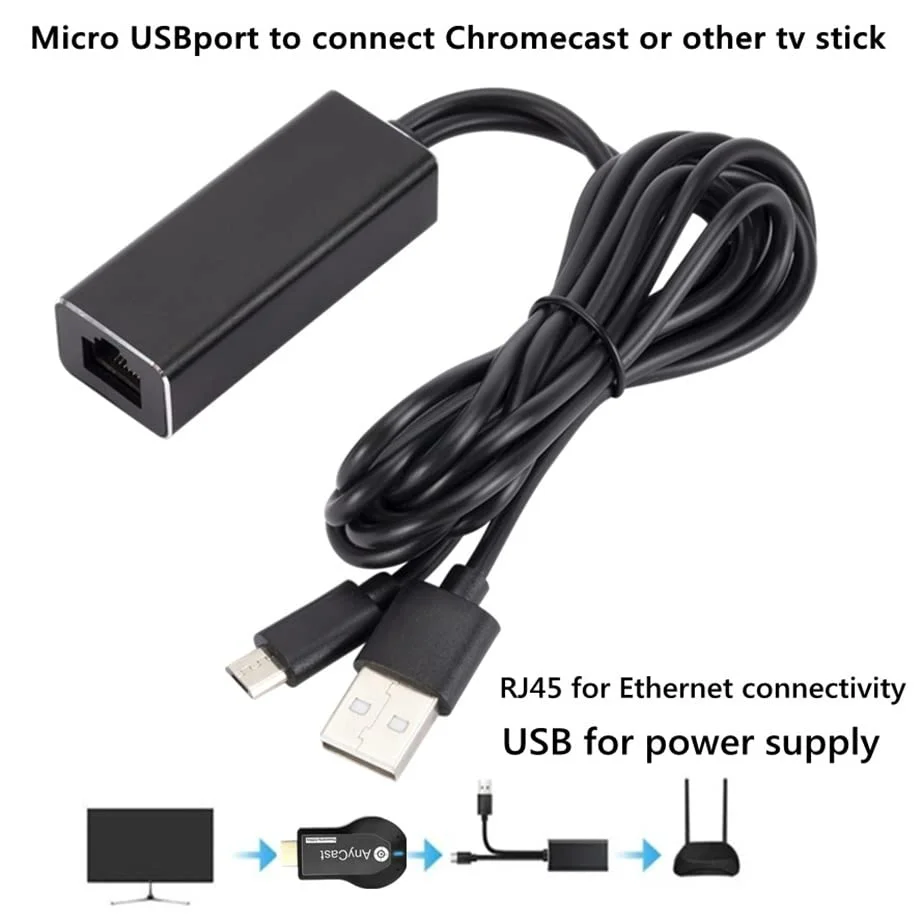
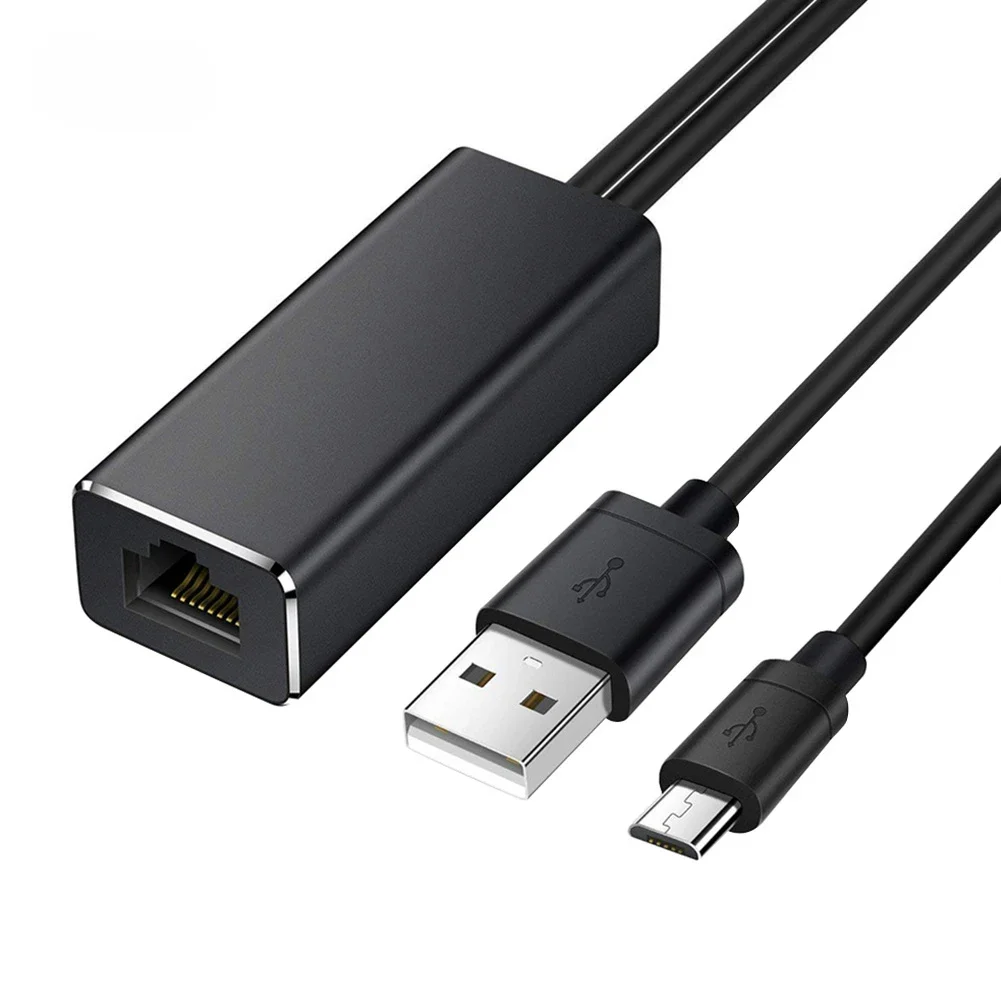
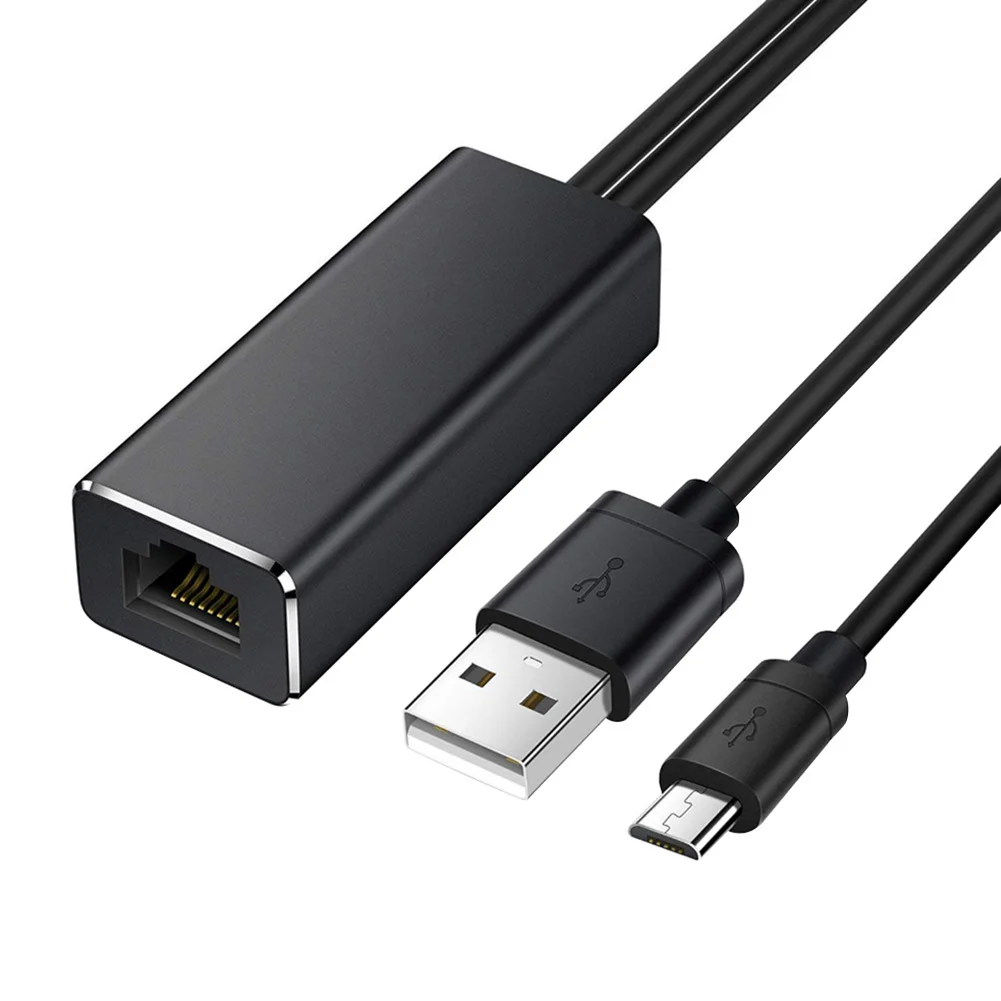
Adaptateur Ethernet pour Fire TV Stick : carte réseau avec port LAN Micro USB vers RJ45 et câble d'alimentation USB de 3FT pour Fire TV Stick et Chromecast

Adaptateur Ethernet pour Fire TV Stick : carte réseau avec port LAN Micro USB vers RJ45 et câble d'alimentation USB de 3FT pour Fire TV Stick et Chromecast

$20.00

UGS : 1005009621546442 Catégories : Appareils Smart TV, Équipement IP, VoIP

Description

Rubrique :
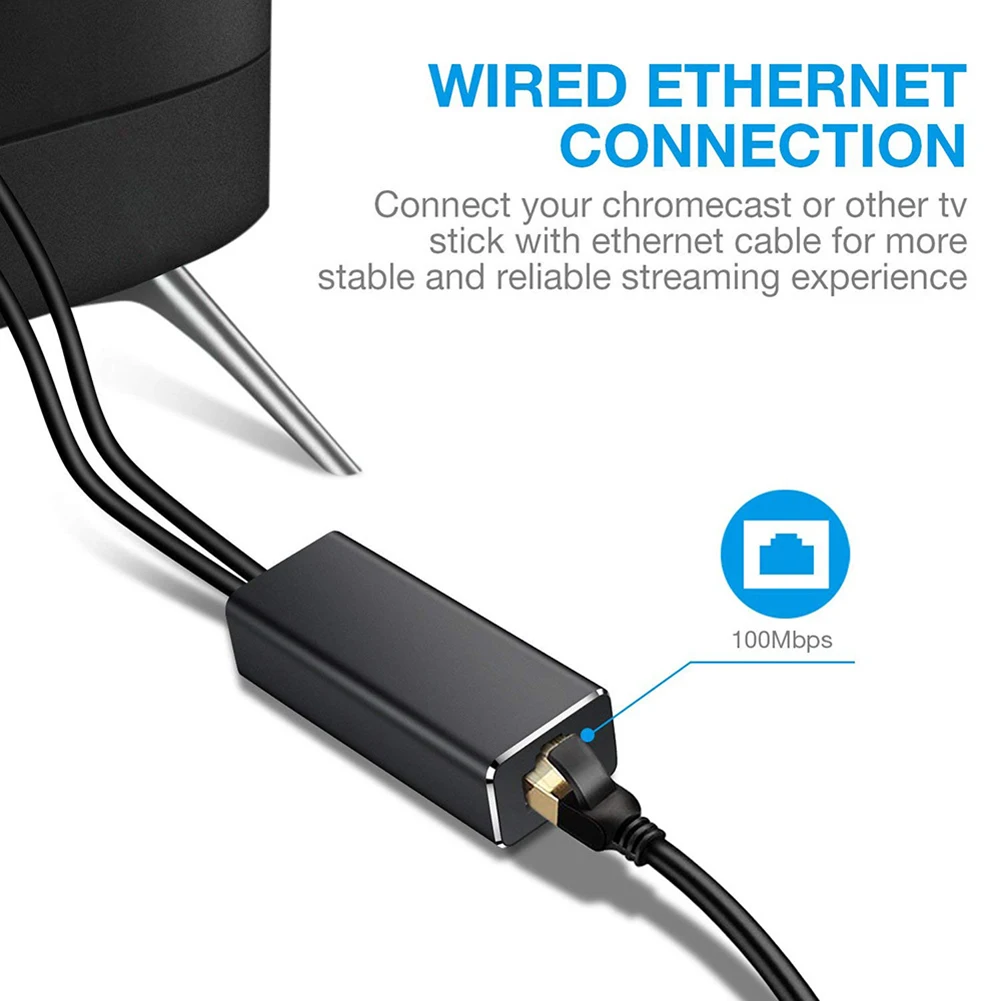
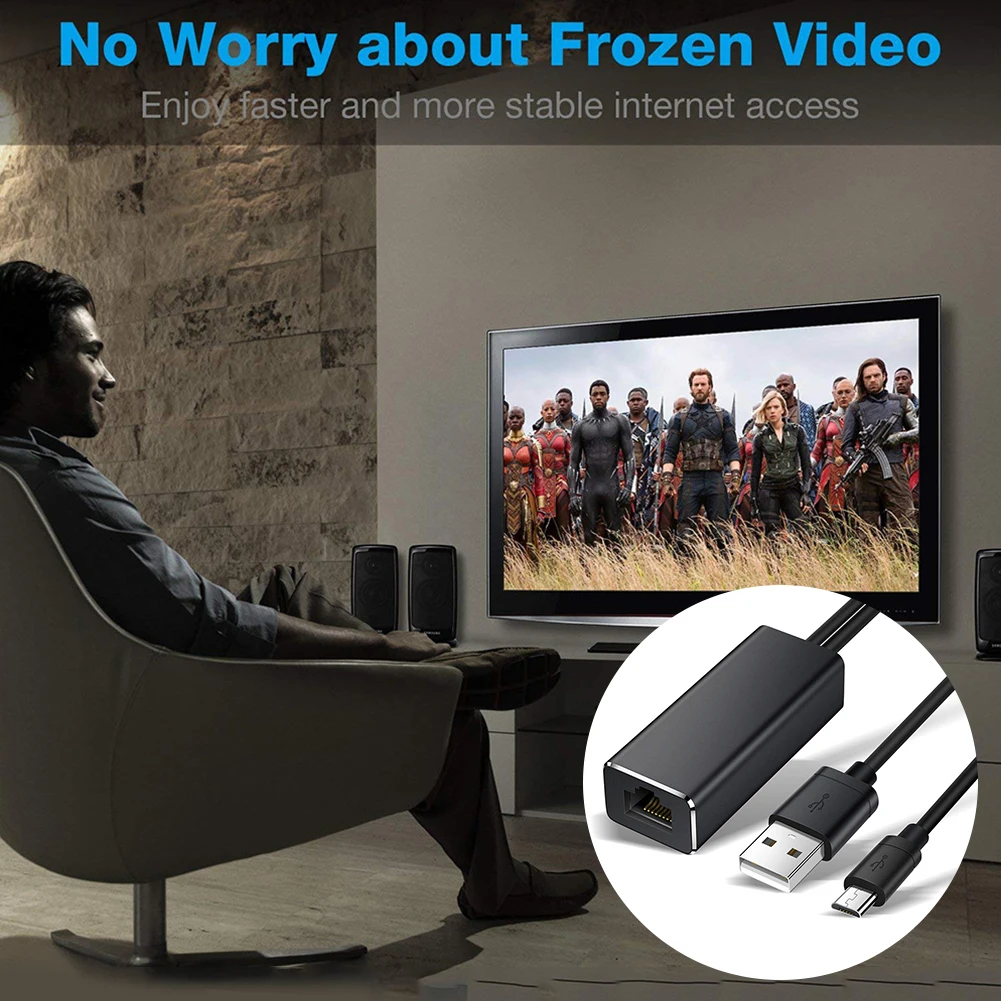
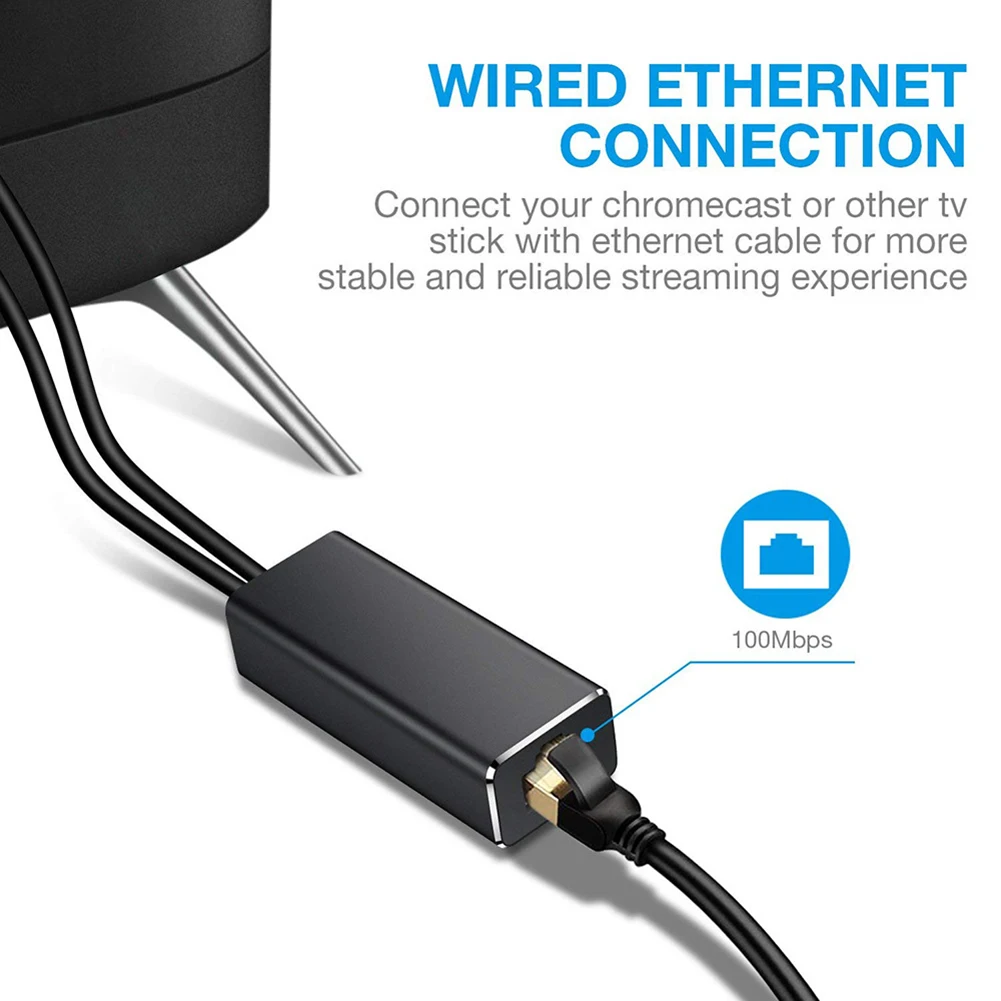
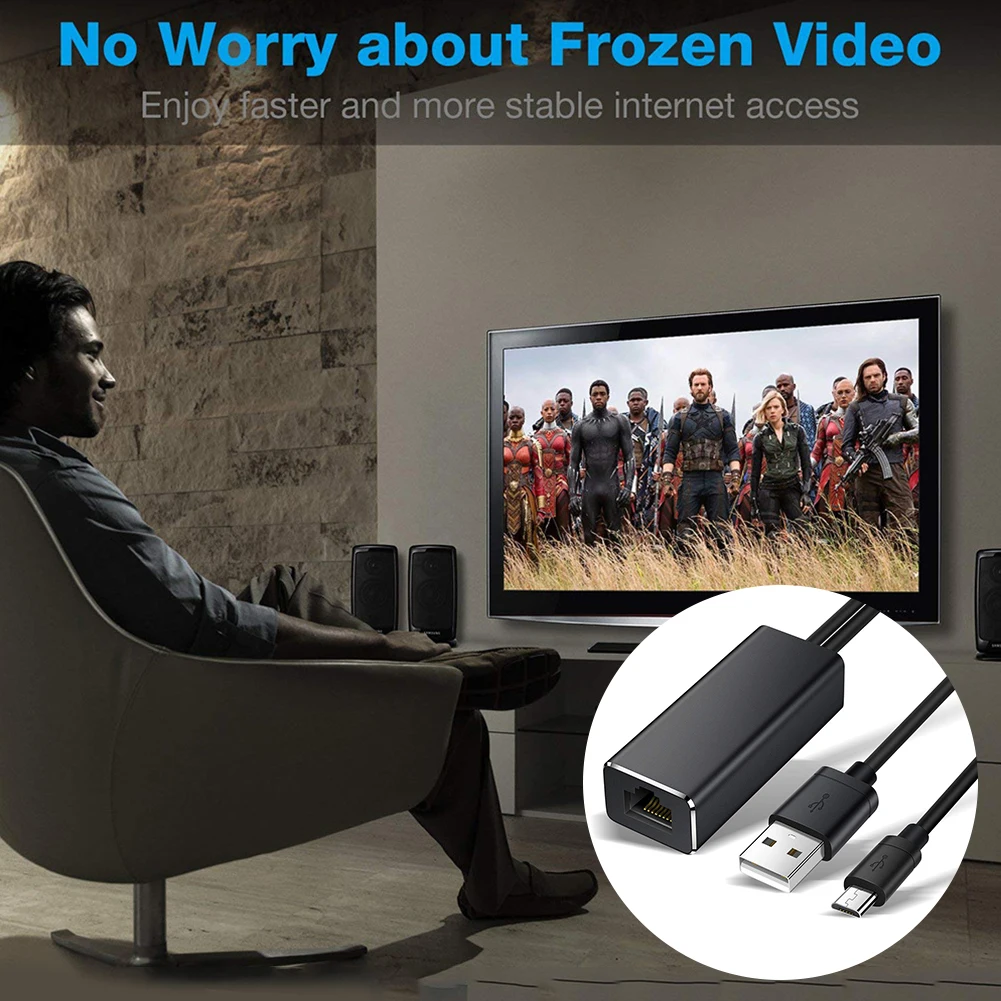
1. Compared with WiFi, the wired network connection is fast and stable.
2. Made of high-grade alloy materials, plug and play.
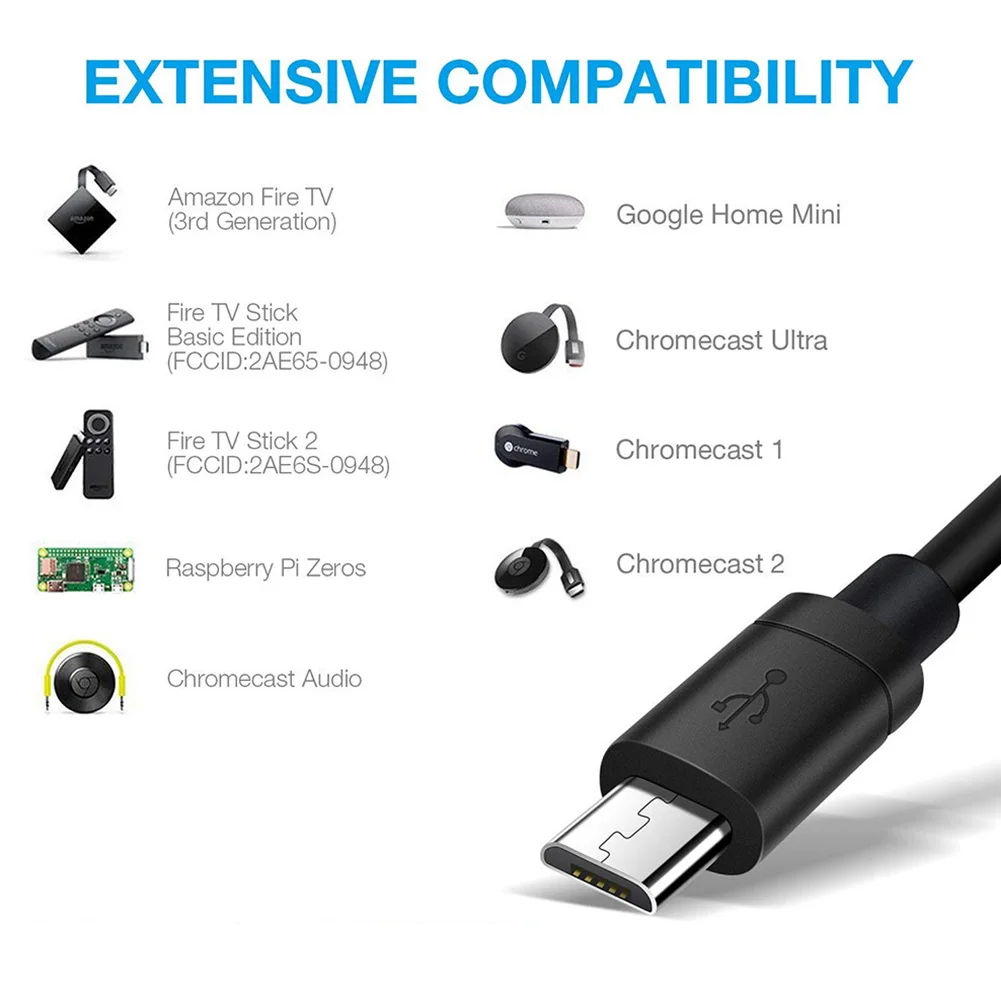
3. Suitable for Ethernet-compatible devices.
4. Run at full speed without compression and caching.

Spécifications :
Colour: Black
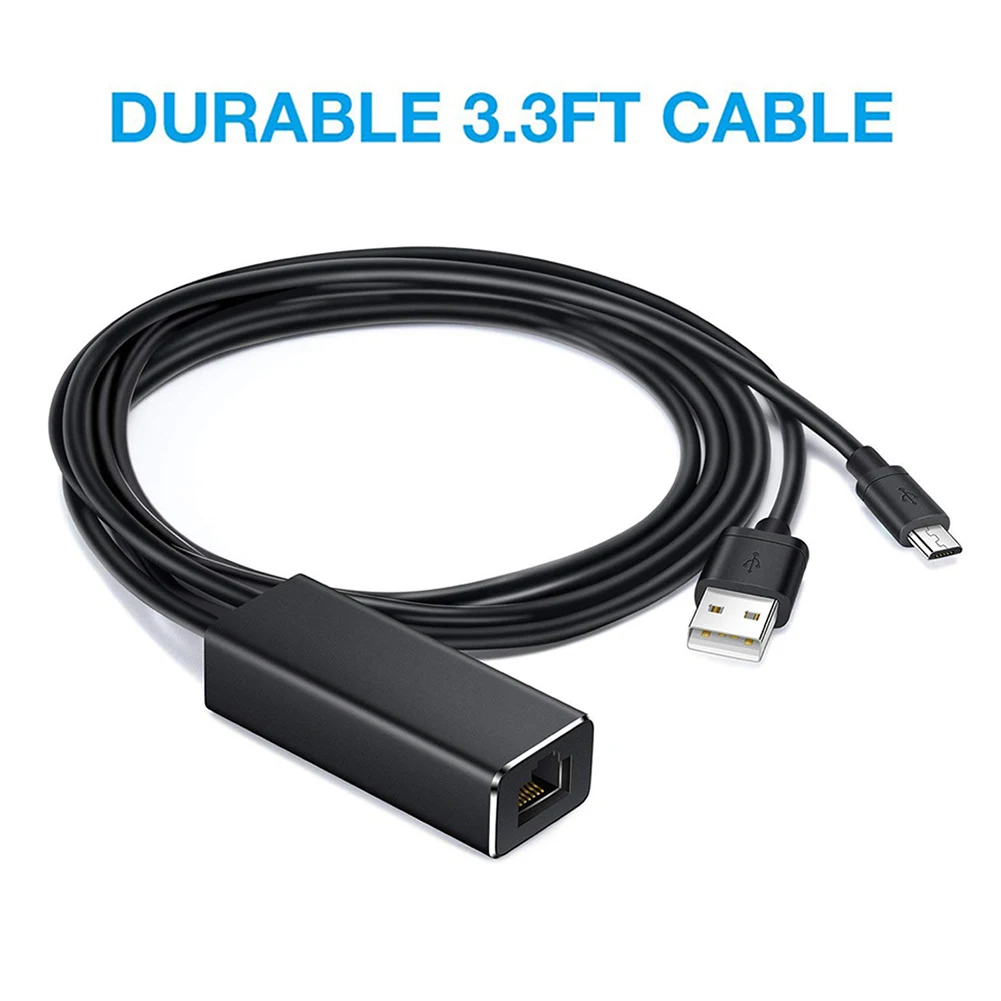
Cable length: about 1m (Micro USB cable and USB power cord)
Micro USB port: 480 Mbps
RJ45 Ethernet port: 10/100 Mbps
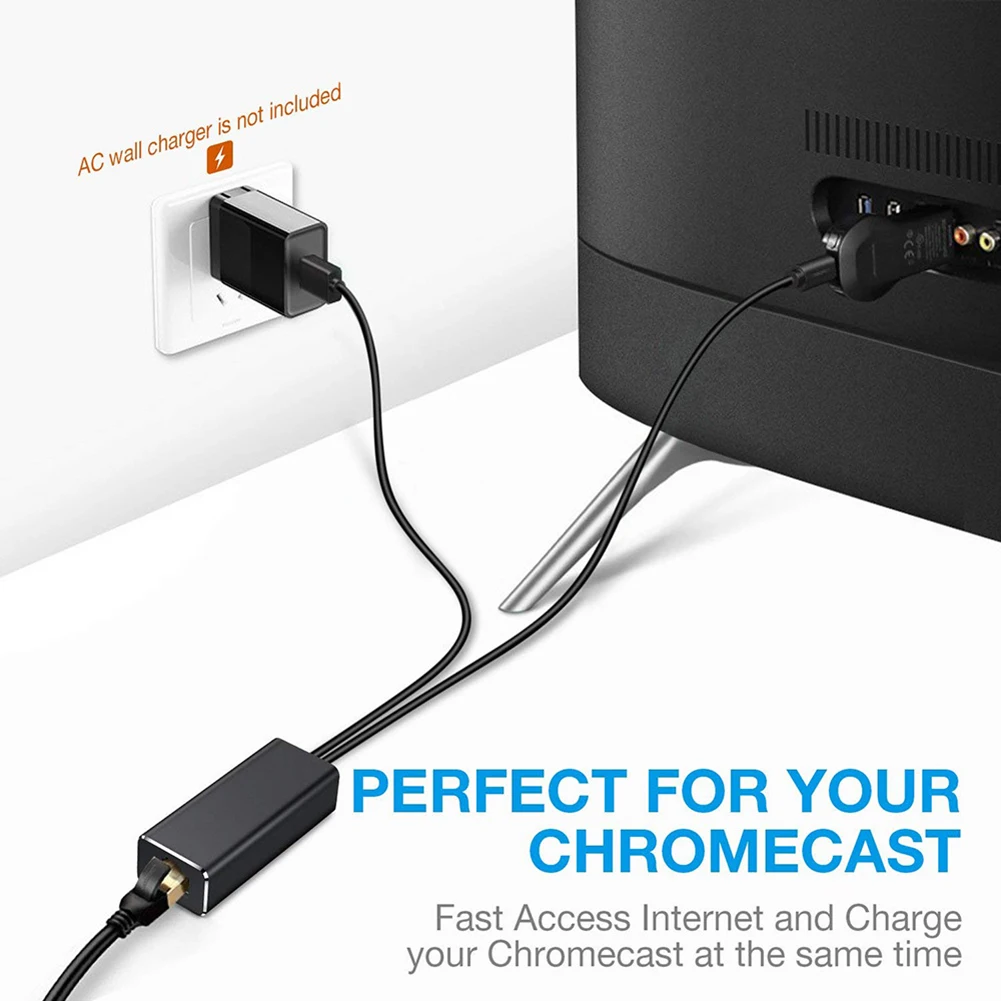
USB A port: only for power supply, no data transmission
Voltage / current: 5V / 1A-5V / 2A

How to use:
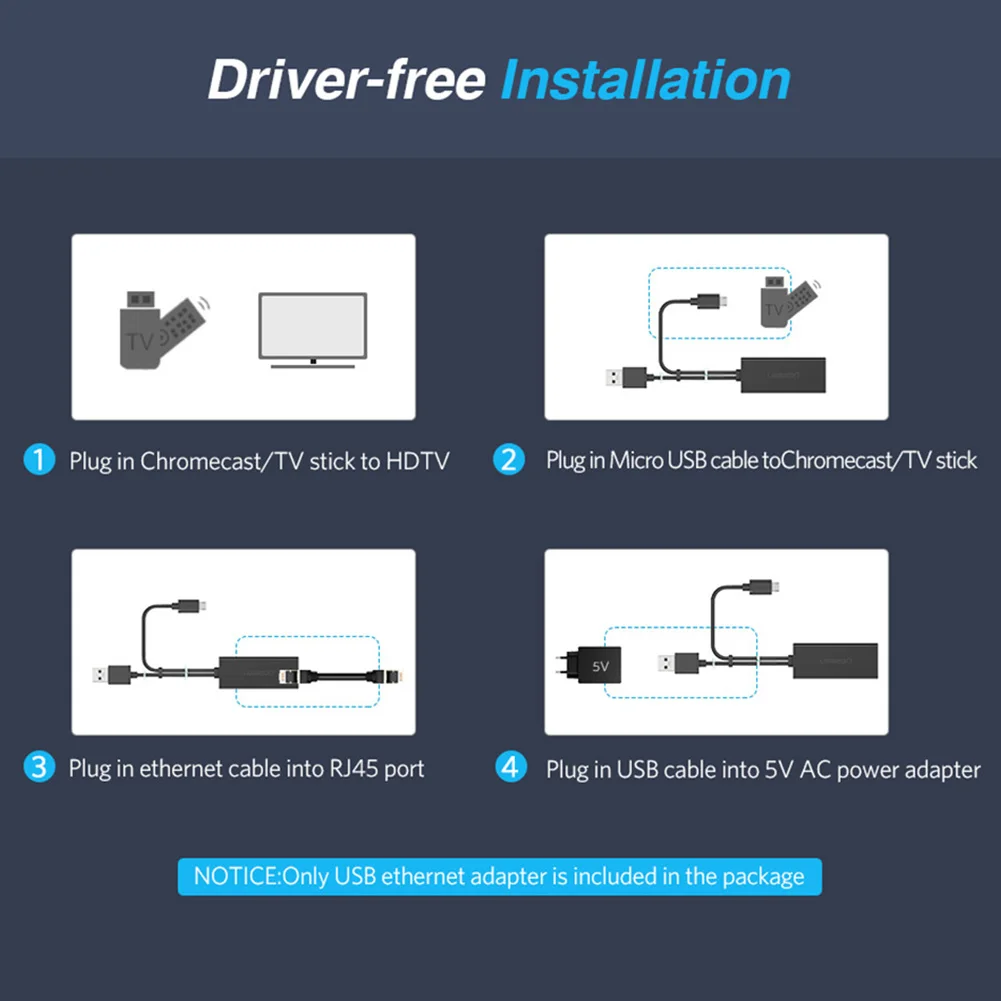
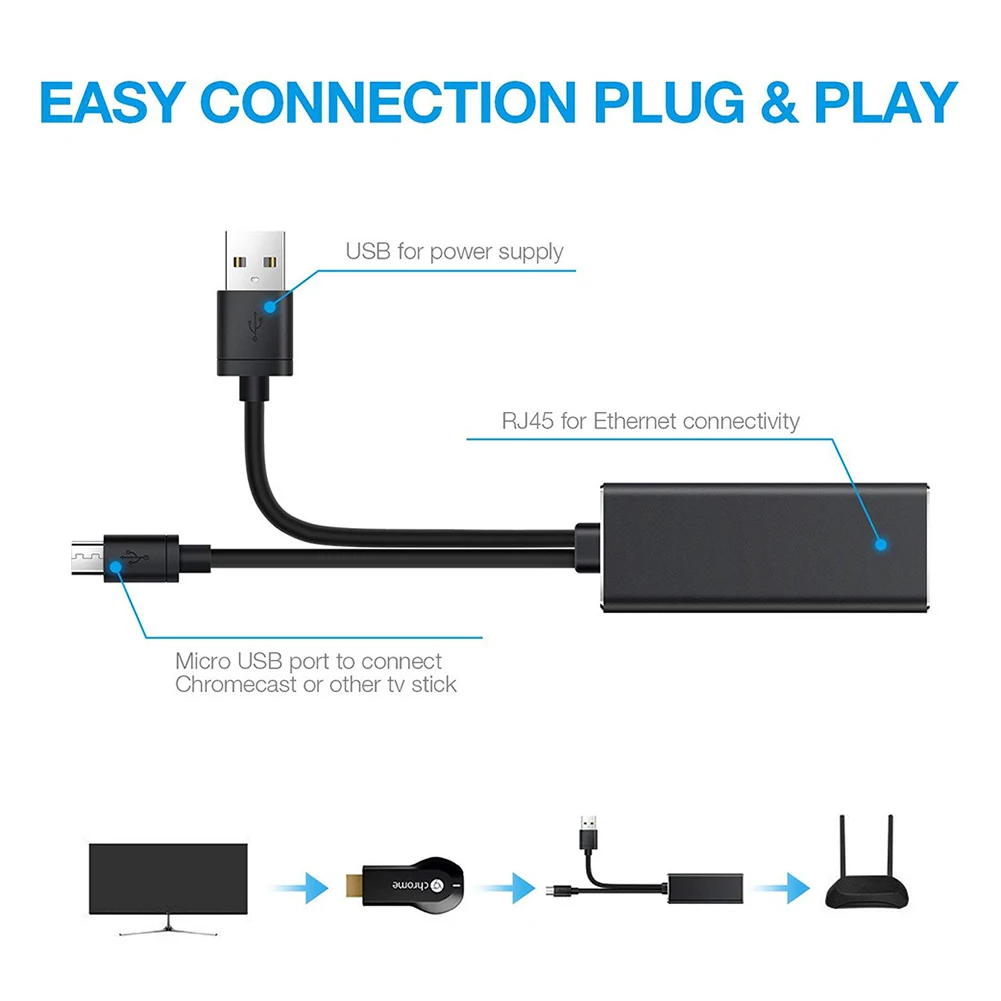
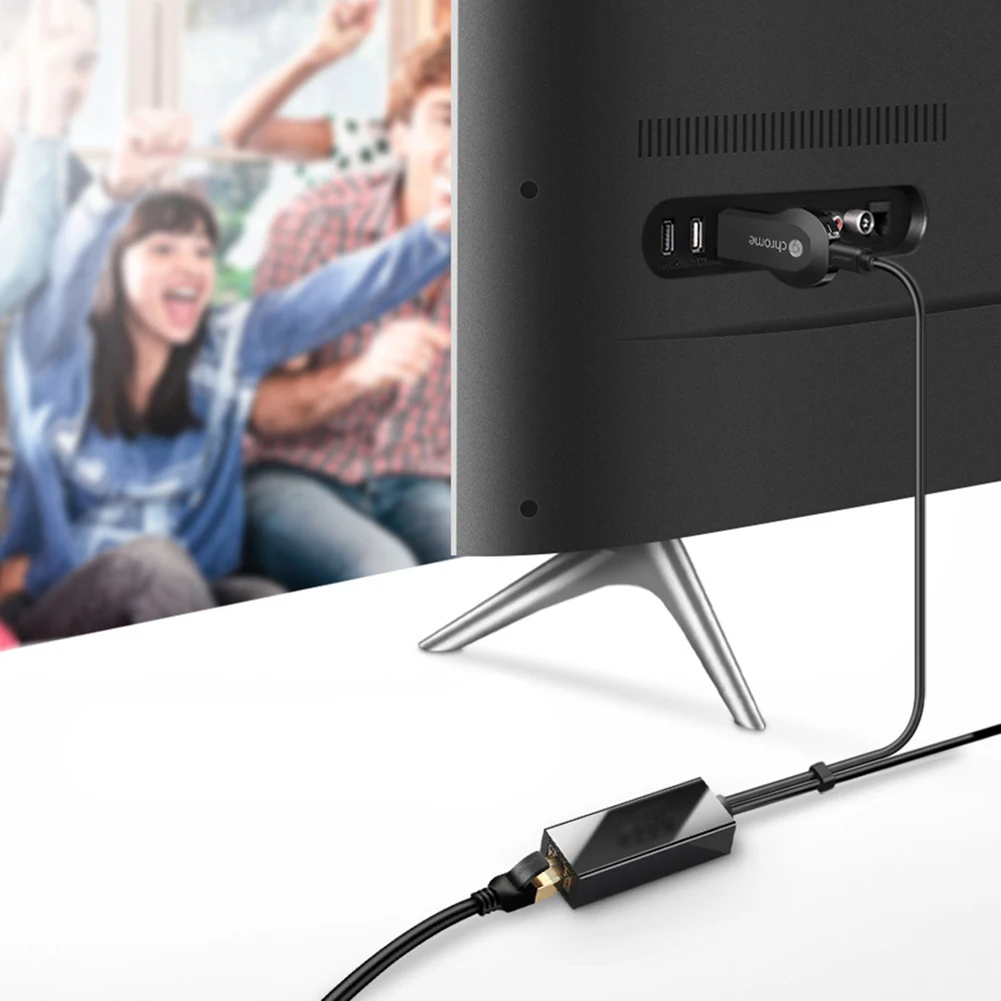
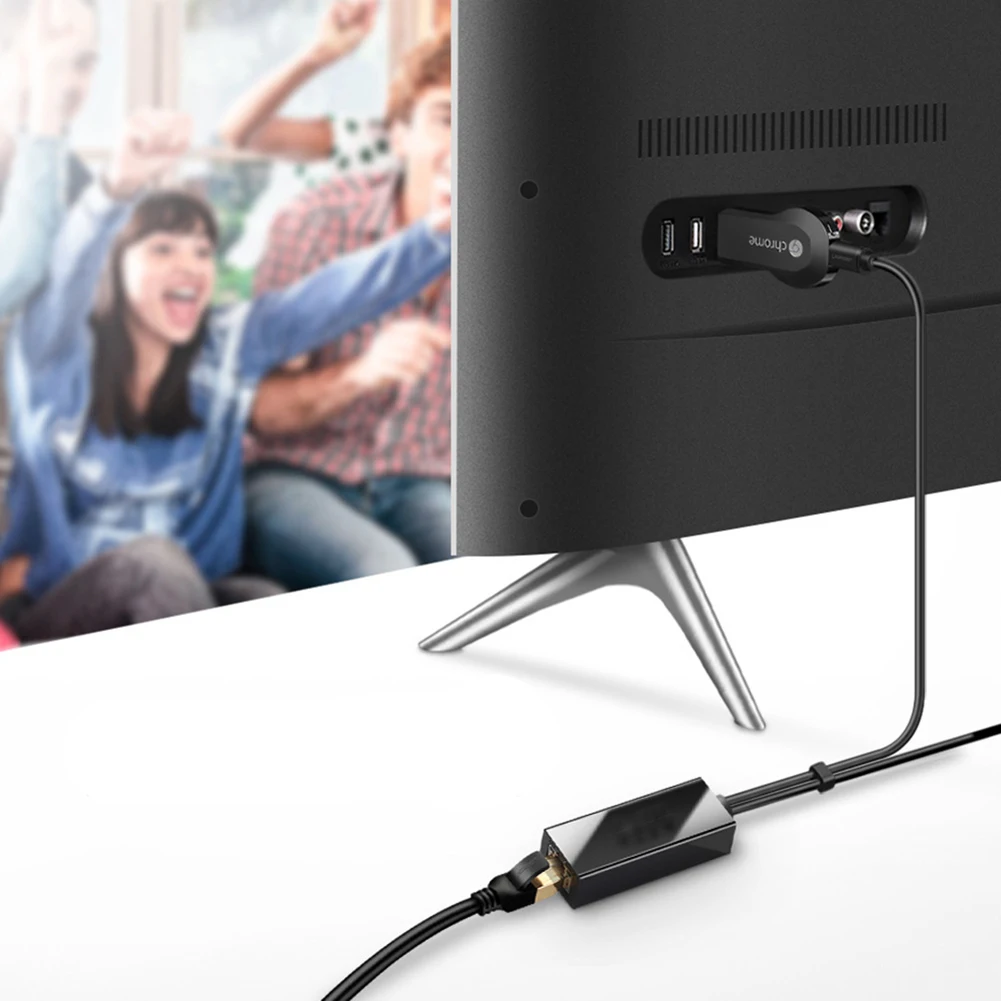
Step 1: Plug for Chromecast/TV Stick into HDMI-compatible port in your TV.
Step 2: Connect the Micro USB connector into for Chromecast/TV Stick. You need make sure the Micro USB connector is inserted tightly into your for Chromecast/TV Stick.
Step 3: Connect Ethernet cable to RJ45 port of this Ethernet adapter for Chromecast.
Step 4: Plug the USB cable into AC power source.
Step 5: Enjoy your Chromecast.

Remarque :
1. There may be slight size deviations due to manual measurement, different measuring methods and tools.
2. The picture may not reflect the actual color of the item because of different photographing light, angle and display monitor.

Contenu de l'emballage :
1 x Micro USB Ethernet Adapter
S39116a0b222b494398b1734c2a97b8e0e Fire TV Stick Ethernet Adapter Micro USB to RJ45 LAN Port Network Card with 3FT USB Power Supply Cable for TV Sticks ChromecastSa0115a4fdcc545e8918bda65c70f41b1O Fire TV Stick Ethernet Adapter Micro USB to RJ45 LAN Port Network Card with 3FT USB Power Supply Cable for TV Sticks ChromecastS1263956d86af48369fc424c3f9d62c78y Fire TV Stick Ethernet Adapter Micro USB to RJ45 LAN Port Network Card with 3FT USB Power Supply Cable for TV Sticks ChromecastSe9e4f6b6e7384166b348d8d6ceedac76d Fire TV Stick Ethernet Adapter Micro USB to RJ45 LAN Port Network Card with 3FT USB Power Supply Cable for TV Sticks ChromecastS79d8b650ebad49d4908bfd133b59f0d2I Fire TV Stick Ethernet Adapter Micro USB to RJ45 LAN Port Network Card with 3FT USB Power Supply Cable for TV Sticks ChromecastSdaa088b0ec2449009a0dd82d4320c479l Fire TV Stick Ethernet Adapter Micro USB to RJ45 LAN Port Network Card with 3FT USB Power Supply Cable for TV Sticks ChromecastSd56a049f04f2426194d3a9fca7ba7ddeO Fire TV Stick Ethernet Adapter Micro USB to RJ45 LAN Port Network Card with 3FT USB Power Supply Cable for TV Sticks ChromecastS6f3a2c63cb164d6ab4a343a25a128009f Fire TV Stick Ethernet Adapter Micro USB to RJ45 LAN Port Network Card with 3FT USB Power Supply Cable for TV Sticks ChromecastS1d1cafb196884bb5973ae162b68304b4X Fire TV Stick Ethernet Adapter Micro USB to RJ45 LAN Port Network Card with 3FT USB Power Supply Cable for TV Sticks Chromecast

Informations complémentaires

Poids 15 kg
Dimensions 3 cm
Nom de marque

nku

Fréquence

Aucun

Débit de transmission par câble

Aucun

Nom du modèle

MTV100GE

Dissipation thermique

Assistance

Norme de communication sans fil

Aucun

Prise filaire

USB 2.0

Type

Wired

Protocole Bluetooth

Non pris en charge

Classe de bande de fréquences

Aucun

Interfaces filaires

RJ45

Kind

Externe

Débit de transmission sans fil

Aucun

Prise sans fil

Aucun

Origine

Chine continentale

Substance chimique très préoccupante

Aucun

Débit de transmission

10/100 Mbps

Choix

oui

semi_Choice

oui

Avis

Il n’y a pas encore d’avis.

Soyez le premier à laisser votre avis sur “Fire TV Stick Ethernet Adapter Micro USB to RJ45 LAN Port Network Card with 3FT USB Power Supply Cable for TV Sticks Chromecast”
Avez-vous déjà un service actif ?Consultez les manuels et les guides étape par étape concernant votre PBX, Retail, CallShop, Reseller et les cartes PIN dans le Centre d'assistance.
Consulter le Centre d'assistance →